
Home / how-to
how-to
290 guidesAll how-to guides
 Desktop
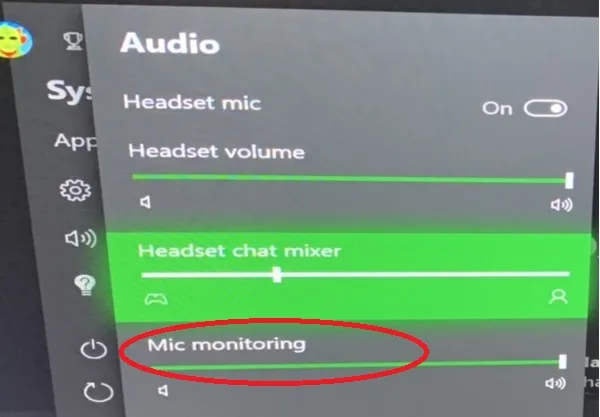
How to Hear Your Own Mic (2026 Complete Guide)
Learn how to hear your own microphone on Windows 11 using the built-in "Listen to this device" feature, the modern Settings app, or VoiceMeeter for near-zero latency. Includes pro tips, common mistakes, and a verified low-latency setup.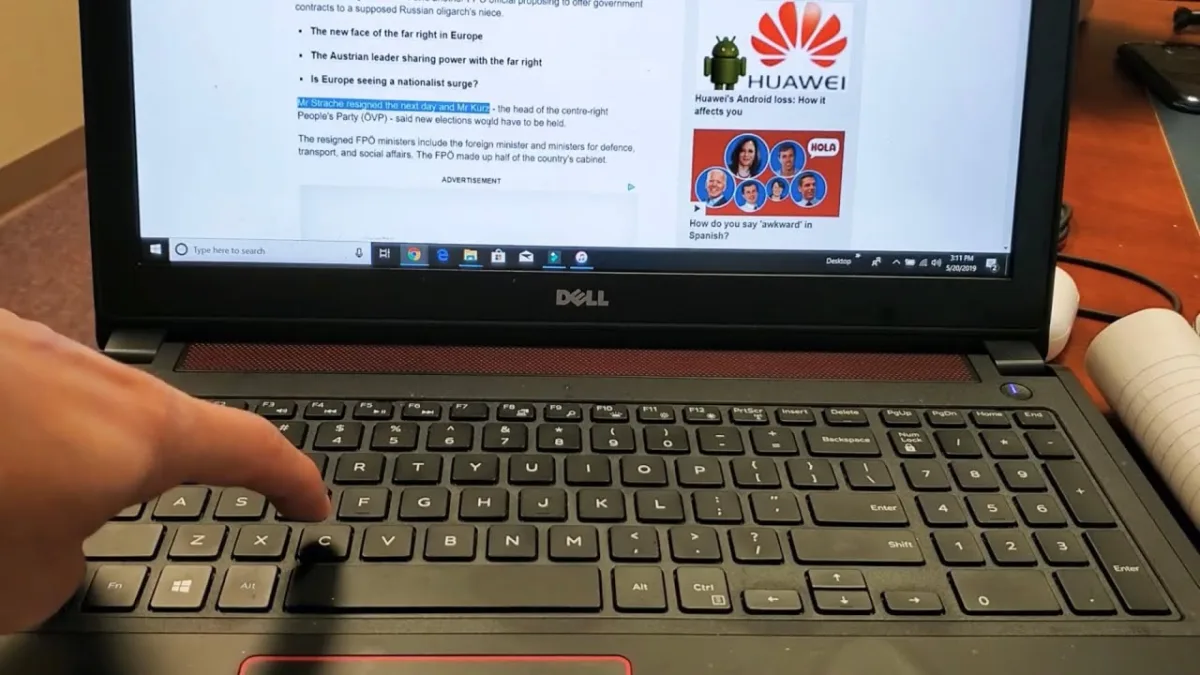 Laptop
How to Copy and Paste on a Dell (2026 Complete Guide)
Master every way to copy and paste on a Dell laptop in 2026: keyboard shortcuts, touchpad gestures, right-click menus, the Menu key, toolbar buttons, and Windows Clipboard History. Includes troubleshooting, pro tips, and common mistakes.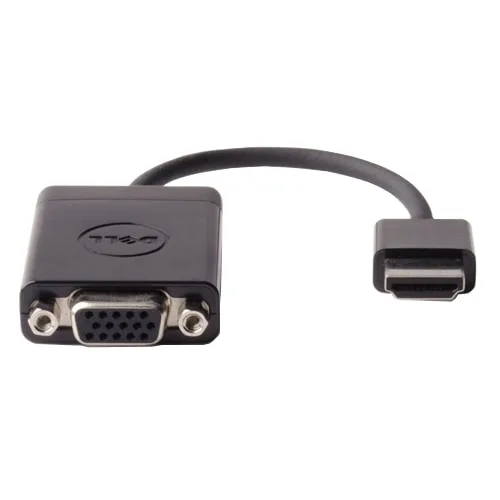 Laptop
How to Enable HDMI Port on Dell Laptop (2026 Complete Guide)
This guide walks you through enabling HDMI output on any Dell laptop, from checking cables and updating drivers to configuring BIOS and multi-monitor setups. Follow our 2026 steps for a working external display. Desktop
How to Disable 360 Total Security in Windows 10 (2026 Complete Guide)
This 2026 guide shows you how to temporarily disable, selectively turn off features, or completely uninstall 360 Total Security on Windows 10. Follow three progressive steps—pause protection, trim modules and startup, then fully remove with the official uninstall tool and manual cleanup—while keeping Windows Defender active for continuous protection.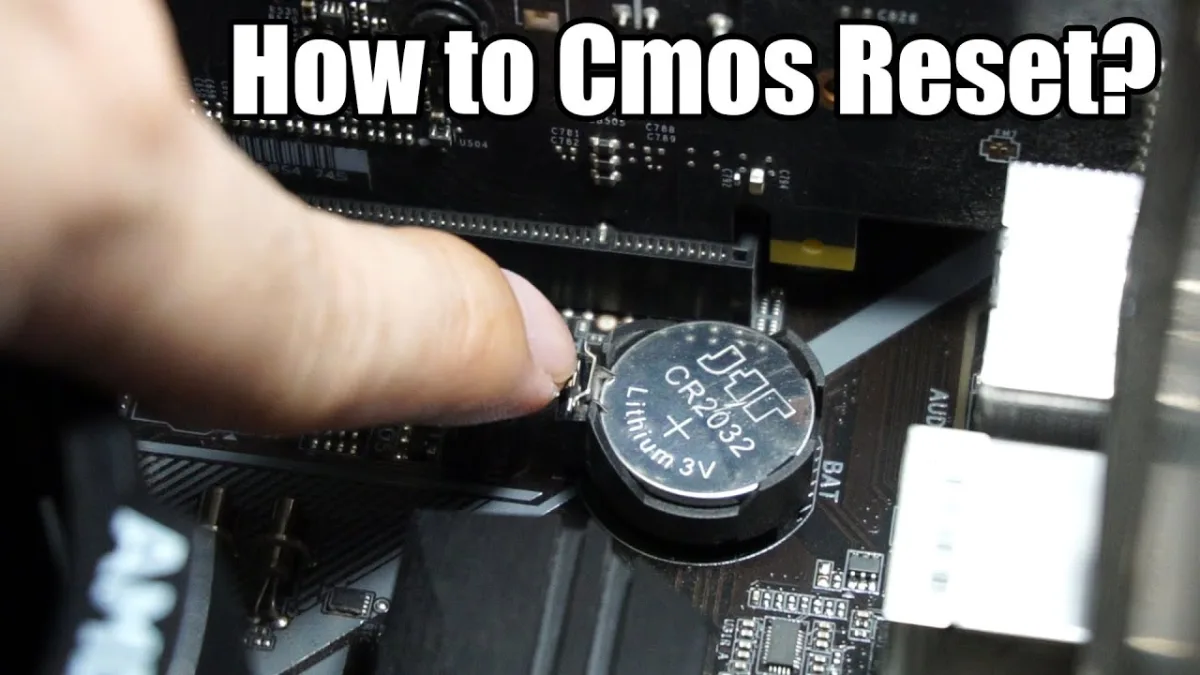 Desktop
How to Reset BIOS Without Removing CMOS Battery (2026 Complete Guide)
Reset your BIOS without pulling the CMOS battery using three proven paths: software menus (BIOS/UEFI, Windows, vendor tools), hardware controls (jumper, rear button), or a full power-cycle. Works on any 2026 motherboard or laptop.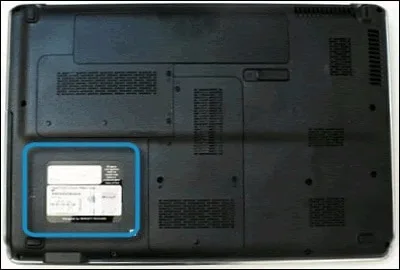 Laptop
How to Find Manufacturing Date of Dell Laptop (2026 Complete Guide)
Find your Dell laptop's exact manufacturing date in minutes using the Service Tag lookup, BIOS, or physical labels. This 2026 guide covers every method with step-by-step instructions, date-code tables, and pro tips for cross-verification.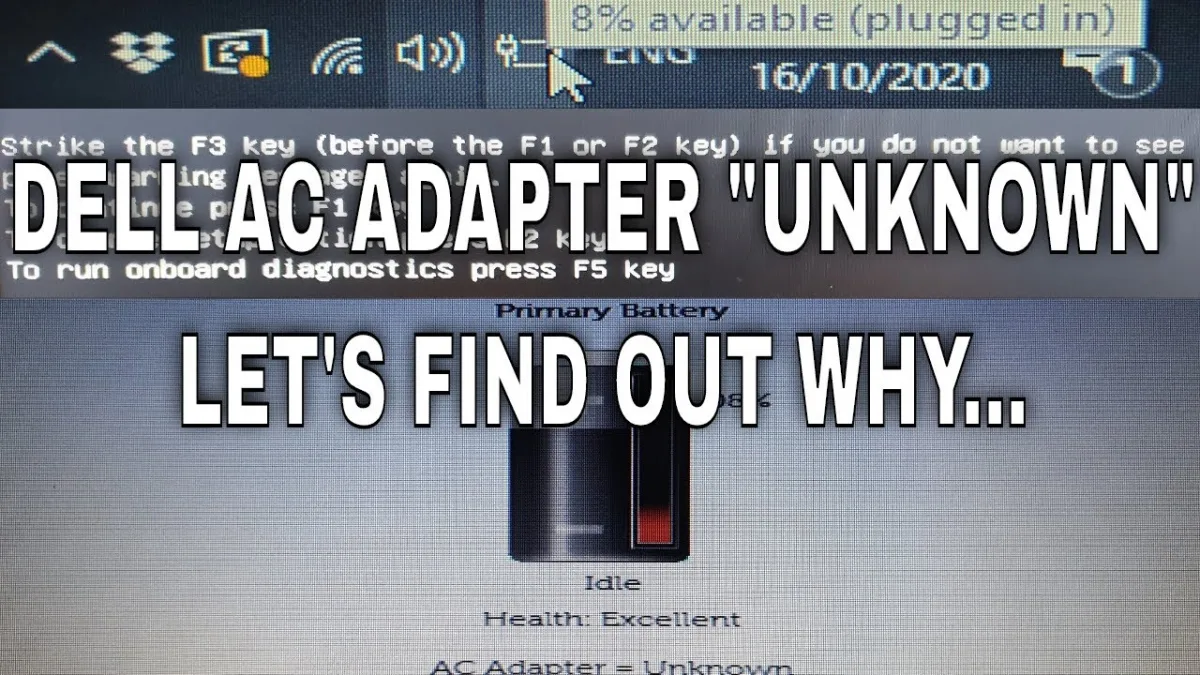 Laptop
How to Fix AC Adapter Unknown Dell (2026 Complete Guide)
Fix the "AC Adapter Unknown" error on Dell laptops with this 2026 step-by-step guide. Covers driver reinstalls, BIOS resets, power drains, cable inspections, diagnostics, and hardware replacements. Most fixes are free and take under an hour. DesktopHow to Restart a Dell Monitor (2026 Complete Guide)
Master six proven ways to restart a Dell monitor—from a 30‑second power cycle to a full capacitor drain. Fix black screens, flickering, no‑signal errors, and frozen OSDs in minutes with this 2026 step‑by‑step guide.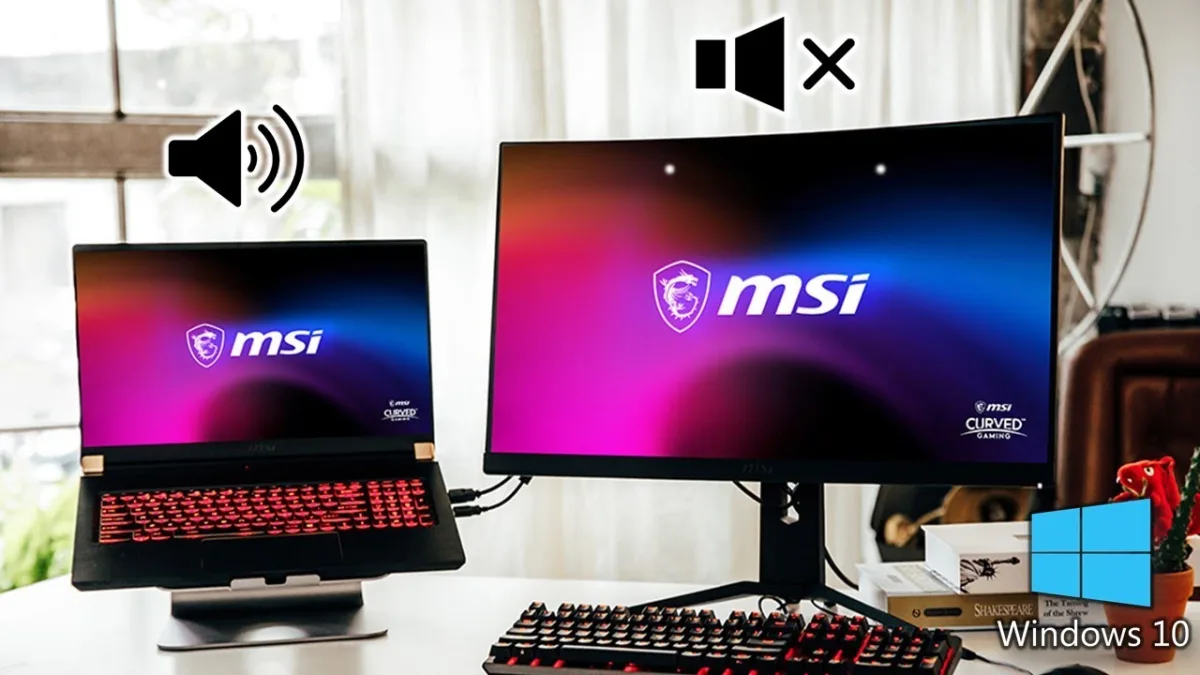 Laptop