
Home / how-to
how-to
290 guidesAll how-to guides
 Laptop
How to Turn Scroll Lock Off on Dell Laptop (2026 Complete Guide)
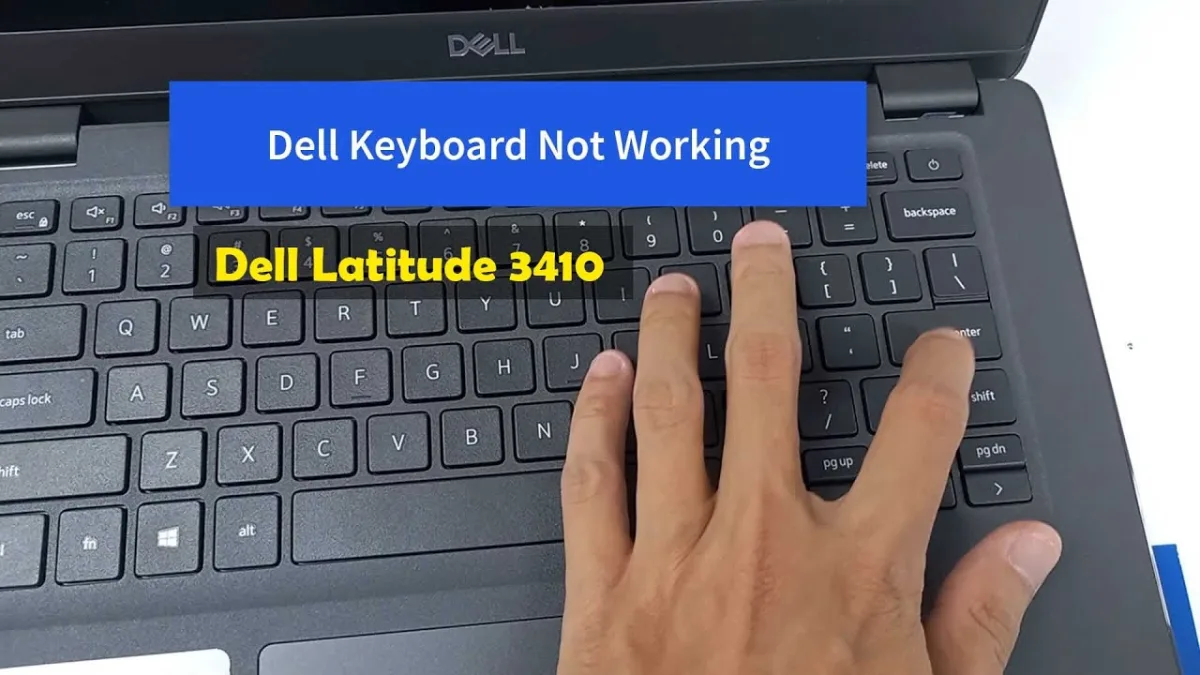
Scroll Lock on Dell laptops is typically toggled via Fn+K, Fn+C, or Fn+S. This guide covers three reliable methods—function key combos, the Windows On-Screen Keyboard, and external keyboards—with model-specific tables, verification steps, and pro tips to prevent accidental activation. Desktop
How to Become a Dell Certified Repair Technician (2026 Complete Guide)
This 2026 guide walks you through every step to become a Dell Certified Repair Technician—from choosing the right certification level (Associate, Technician, Systems Expert, or Proven Professional) to training, hands-on practice, exam strategies, and career building. Includes cost breakdowns, salary data, pro tips, and common mistakes to avoid. Desktop
Can I Use HDMI and DisplayPort at the Same Time (2026 Complete Guide)
Yes, you can use HDMI and DisplayPort simultaneously on virtually any modern GPU or integrated graphics. This guide explains the hardware requirements, setup steps, bandwidth considerations, and common pitfalls so you can run two independent displays with different resolutions and refresh rates. Desktop
Can You Use HDMI and DisplayPort at the Same Time (2026 Complete Guide)
Yes, you can use HDMI and DisplayPort simultaneously on any modern GPU. This 2026 guide covers hardware requirements, setup steps, performance impact, common mistakes, and pro tips for dual-monitor success.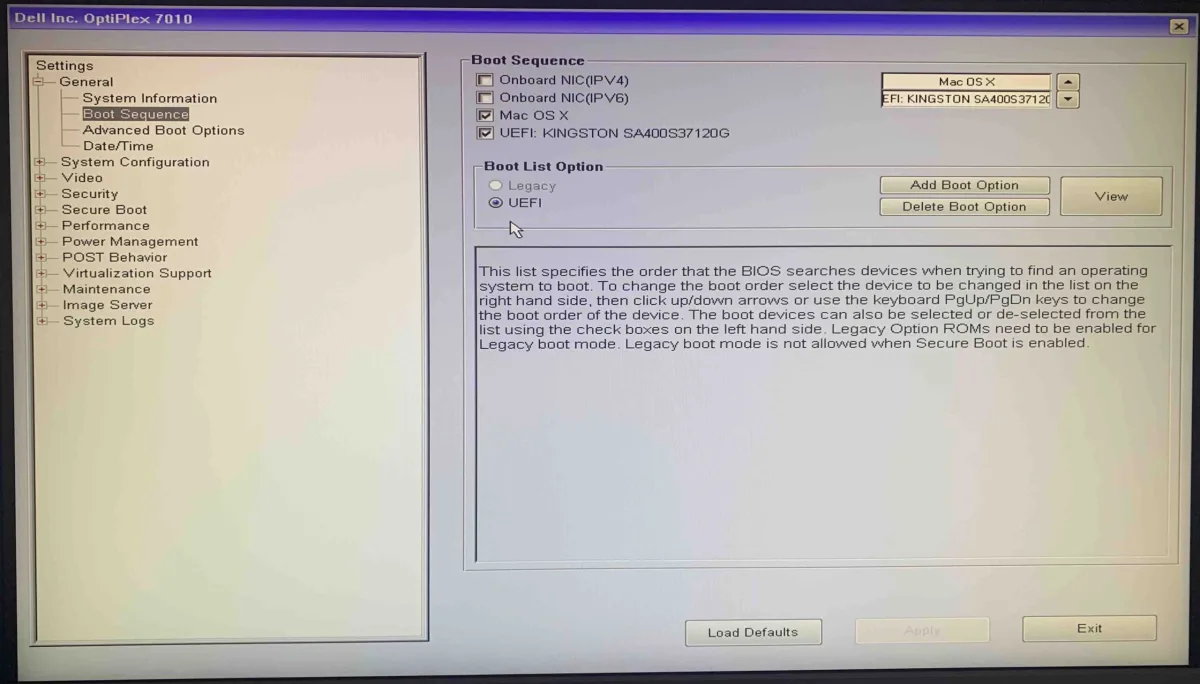 Desktop
How to Disable Fast Boot in BIOS Dell (2026 Complete Guide)
Fast Boot in Dell BIOS speeds up startup but blocks BIOS access and dual-boot menus. This guide shows how to disable it in BIOS, turn off Windows Fast Startup, and use fallback methods like the F12 boot menu or bcdedit. Works on all Dell models through 2026.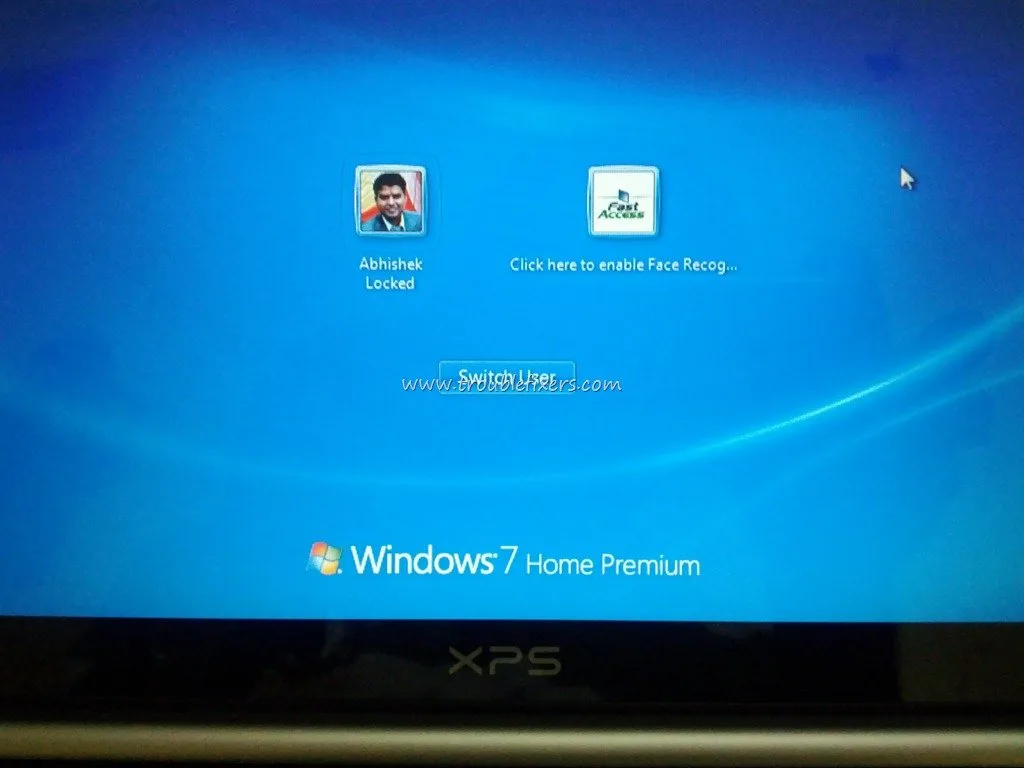 Laptop
How to Disable Face Recognition on Dell Laptop (2026 Complete Guide)
Complete 2026 guide to disabling face recognition on Dell laptops with 6 methods: Windows Settings, data removal, Device Manager, BIOS, Group Policy, and Registry. Includes pro tips, common mistakes, and verification details.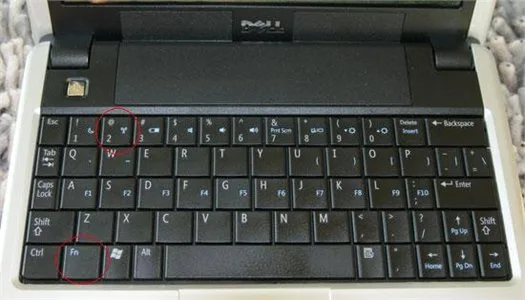 Laptop
How to Turn On Wireless Capability on Dell Laptop (2026 Complete Guide)
This guide covers every method to turn on wireless capability on Dell laptops, from the Fn+F12 shortcut to BIOS settings. Follow step-by-step instructions to restore Wi-Fi quickly. Desktop
How to Disable Dell SupportAssist (2026 Complete Guide)
This 2026 guide shows three ways to disable Dell SupportAssist: silence notifications, stop background services, or uninstall completely. Reclaim CPU, memory, and battery life while keeping manual diagnostic access. LaptopHow to Unmute F4 Key on Dell Laptop (2026 Complete Guide)
Your Dell F4 key mutes volume because the laptop defaults to Media Key Mode. This 2026 guide shows three proven ways to restore standard F4 function: toggle Fn Lock (Fn+Esc), change the setting in Dell Keyboard Settings or Windows Mobility Center, or set Function Key Mode permanently in BIOS. Includes driver fixes, physical cleaning tips, and pro workflows. Desktop