
Home / how-to
how-to
290 guidesAll how-to guides
 Desktop
How to Remove Power Save Mode on Monitor (2026 Complete Guide)
This 2026 guide shows you how to permanently disable monitor power save mode by configuring Windows power settings, the monitor's OSD menu, and GPU power management. Follow three clear steps to keep your screen on indefinitely. Desktop
How to Get a Monitor Out of Power Saving Mode (2026 Complete Guide)
A complete 2026 guide to waking a monitor stuck in power saving mode. Covers immediate fixes, Windows & driver settings, monitor OSD tweaks, hardware isolation, and prevention habits—tested on Dell, LG, Samsung, and major GPUs. Desktop
How to Check RAM Compatibility (2026 Complete Guide)
This 2026 guide walks you through verifying RAM compatibility with your motherboard step by step—covering DDR4 vs DDR5, QVL lists, speed sweet spots, physical clearance, and BIOS updates—so you buy the right kit the first time.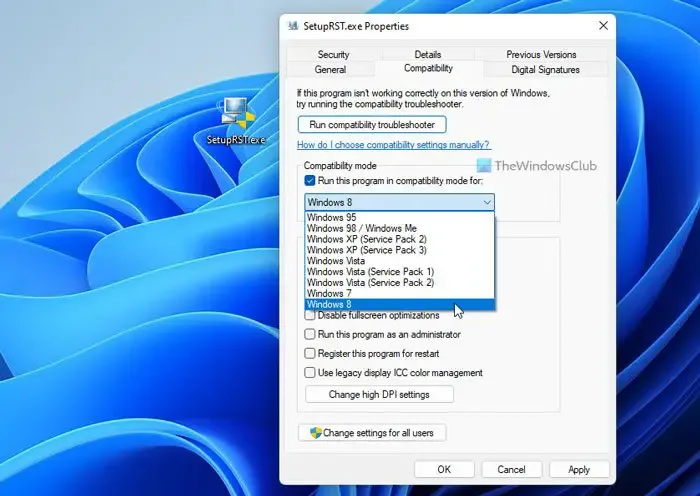 Desktop
Do I Need Intel RST Driver (2026 Complete Guide)
Intel RST is only required for RAID arrays, Intel Optane caching, or motherboards using VMD in RST mode. Most single-drive systems in AHCI/Native NVMe mode work perfectly with Windows built-in drivers and gain no benefit from Intel RST.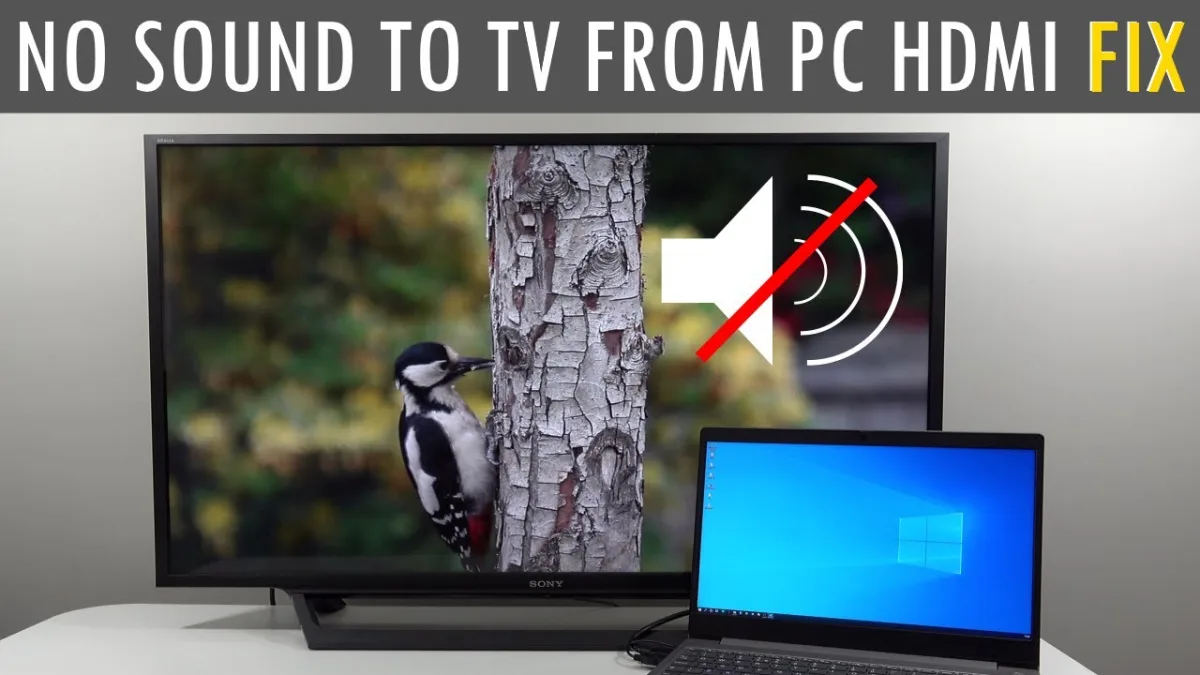 Laptop
How to Get Sound From Laptop to TV With HDMI (2026 Complete Guide)
Fix HDMI audio from laptop to TV in 2026. Covers cable checks, Windows/macOS/Linux settings, driver updates, and advanced troubleshooting for reliable big-screen sound.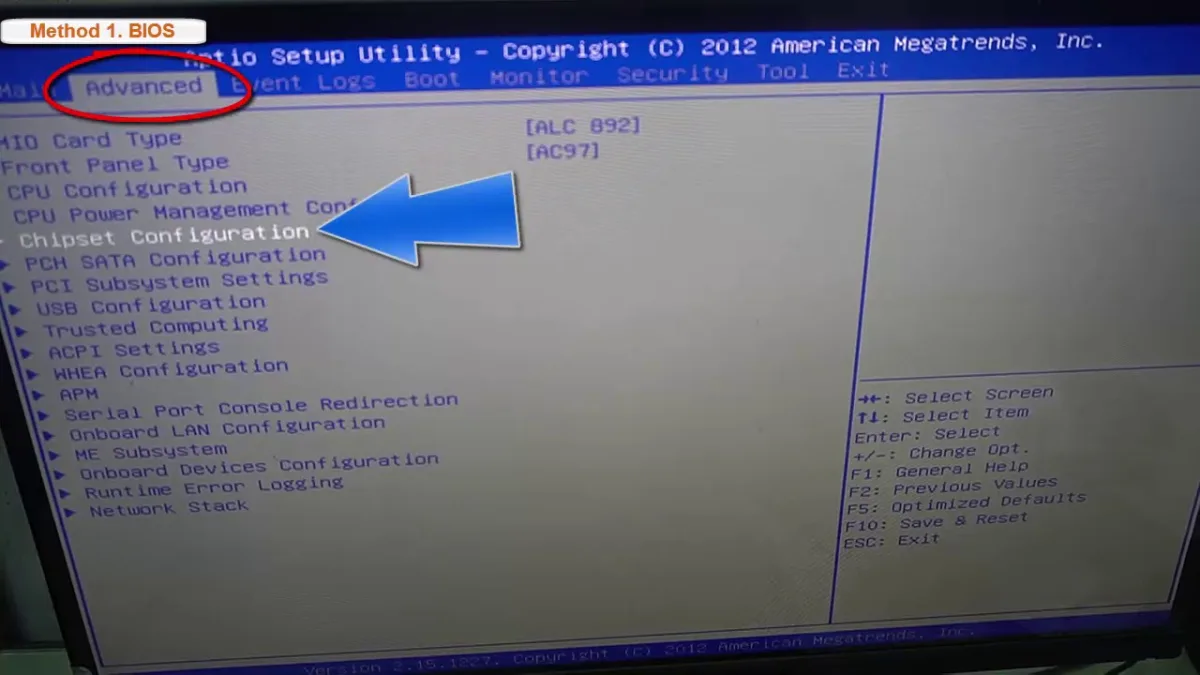 Desktop
How to Turn Integrated Graphics Off (2026 Complete Guide)
This 2026 guide shows you how to safely disable integrated graphics on Windows PCs using BIOS, Device Manager, or per‑app GPU preference. Covers critical monitor‑connection checks, laptop warnings, and troubleshooting tips.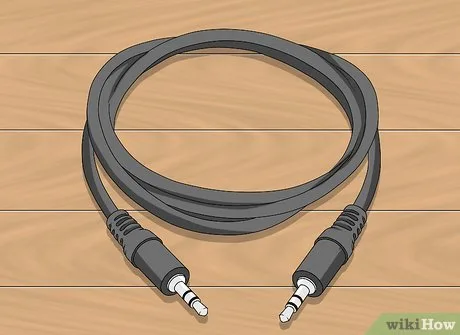 Laptop
How to Get Sound From Laptop to TV (2026 Complete Guide)
Route audio from any laptop to any TV in 2026 using HDMI, Bluetooth, optical, Miracast, Chromecast, or HDMI audio extractors. Step-by-step setup, troubleshooting, and pro tips for zero-latency or wireless sound. Laptop
How to Disable Pop Up Blocker on Dell Laptop (2026 Complete Guide)
 Laptop
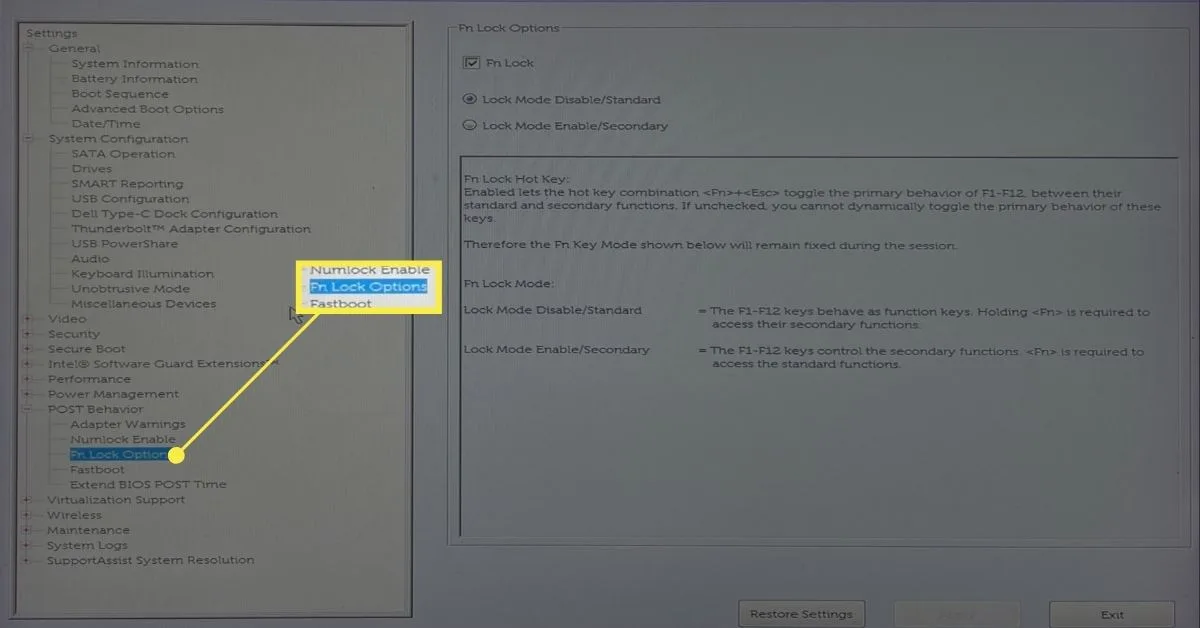
How to Enable F Keys on Dell Laptop (2026 Complete Guide)
This guide shows you how to enable traditional F1-F12 function keys on any Dell laptop using Fn Lock, BIOS settings, or Windows utilities. Covers XPS, Inspiron, Latitude, Vostro, Alienware, and Precision models with step-by-step instructions and troubleshooting tips. Desktop