
Home / how-to
how-to
290 guidesAll how-to guides
 Desktop
Can a 4K Monitor Run 1440p? (2026 Complete Guide)
A 4K monitor can run 1440p via interpolation, offering higher frame rates and lower GPU load with a slight softness trade-off. This guide covers scaling methods, gaming benefits, common mistakes, and tips for optimal quality in 2026. DesktopHow to Remove Stand from Dell Monitor (2026 Complete Guide)
This 2026 guide shows how to remove the stand from any Dell monitor using quick-release or screw methods. Covers UltraSharp, S-Series, Gaming models, VESA prep, troubleshooting, and pro tips. Keyboard
How to Unlock Toshiba Laptop Keyboard (2026 Complete Guide)
Complete 2026 guide to unlocking Toshiba/Dynabook laptop keyboards. Covers Fn lock toggles, driver fixes, BIOS settings, Windows accessibility features, hardware diagnostics, and replacement options with step-by-step instructions. Desktop
Can I Put GPU in Second Slot (2026 Complete Guide)
Installing a GPU in the second PCIe x16 slot works but usually runs at reduced bandwidth (x4 or x8) because it's wired through the chipset. This 2026 guide explains performance impact, motherboard lane configurations, legitimate use cases, and how to verify your setup. Desktop
How to Remove Moisture from LCD Monitor (2026 Complete Guide)
Learn how to safely remove moisture from an LCD monitor using desiccants, airflow, and dehumidifiers. This 2026 guide covers immediate steps, drying methods, cleaning, and prevention to avoid permanent damage. Desktop
How to Install Old SSD in New PC (2026 Complete Guide)
Install your old SATA or NVMe SSD in a new PC with this 2026 guide. Covers hardware steps, BIOS settings, Windows activation fixes, and whether to clone or fresh install. Works in 30–60 minutes. Desktop
How to Install Samsung SSD 970 Evo Plus (2026 Complete Guide)
This 2026 guide covers every step to install a Samsung 970 Evo Plus NVMe SSD: compatibility checks, physical installation, BIOS tuning, Windows setup, and Samsung Magician optimization. Avoid common mistakes and get peak performance.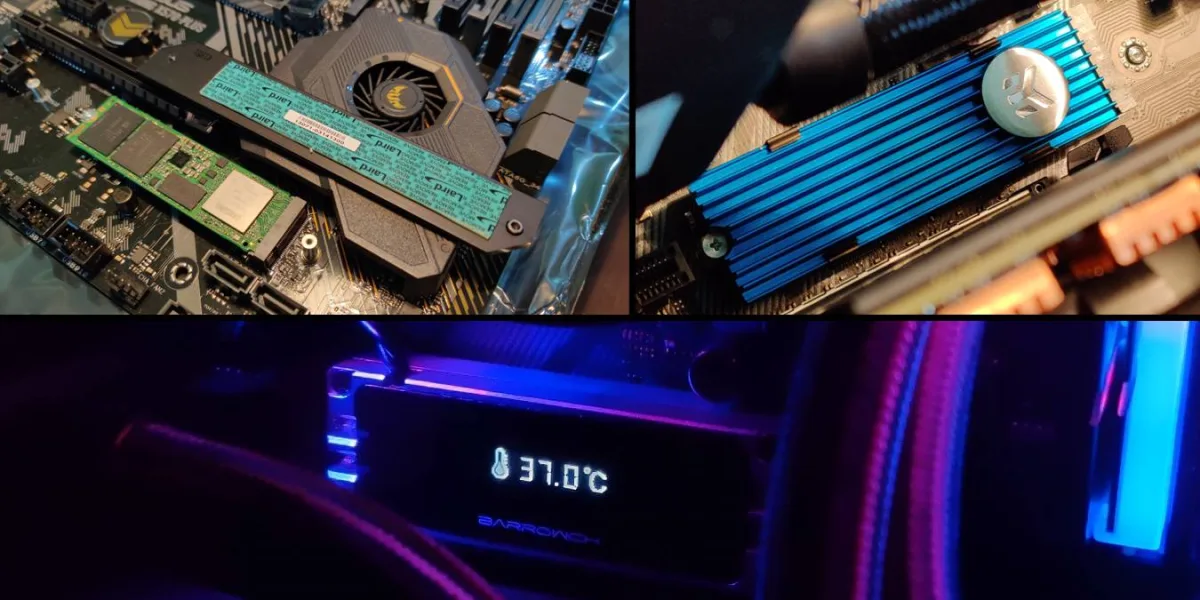 Desktop
Do NVMe Need Heatsink (2026 Complete Guide)
This 2026 guide explains when NVMe SSDs need heatsinks based on PCIe generation, workload, and case airflow. Covers thermal throttling, heatsink types, motherboard cooling, installation steps, and monitoring tips to keep your drive at peak performance. Desktop
Can I Plug a Fan Into CPU Opt (2026 Complete Guide)
Yes, you can safely plug any standard 3-pin or 4-pin fan into the CPU_OPT header. It delivers the same 12 V / 1 A power as CPU_FAN, but BIOS monitoring and fan-curve independence vary by motherboard. This 2026 guide covers wiring, configuration, common mistakes, and alternatives. Networking