
Home / how-to
how-to
290 guidesAll how-to guides
 Desktop
How Much Extra Wattage Should Your PSU Have (2026 Complete Guide)
This 2026 guide explains why 20–30% PSU headroom is the sweet spot for efficiency, transient handling, and future upgrades. Learn to calculate exact wattage for any build tier, avoid common sizing mistakes, and pick a quality unit that lasts through multiple GPU generations. Desktop
How Long Can a CPU Run Without a Cooler? (2026 Complete Guide)
A modern CPU survives only 5-30 seconds without a cooler before emergency thermal shutdown. This 2026 guide covers exact times by processor, how hardware protection works, damage risks, safe testing practices, and common myths. Desktop
How to Connect RTX 3080 to PSU (2026 Complete Guide)
This 2026 guide shows exactly how to connect an RTX 3080 to your PSU—whether Founders Edition 12-pin or AIB dual 8-pin—using separate cables, proper seating, and validation steps to avoid crashes and melted connectors.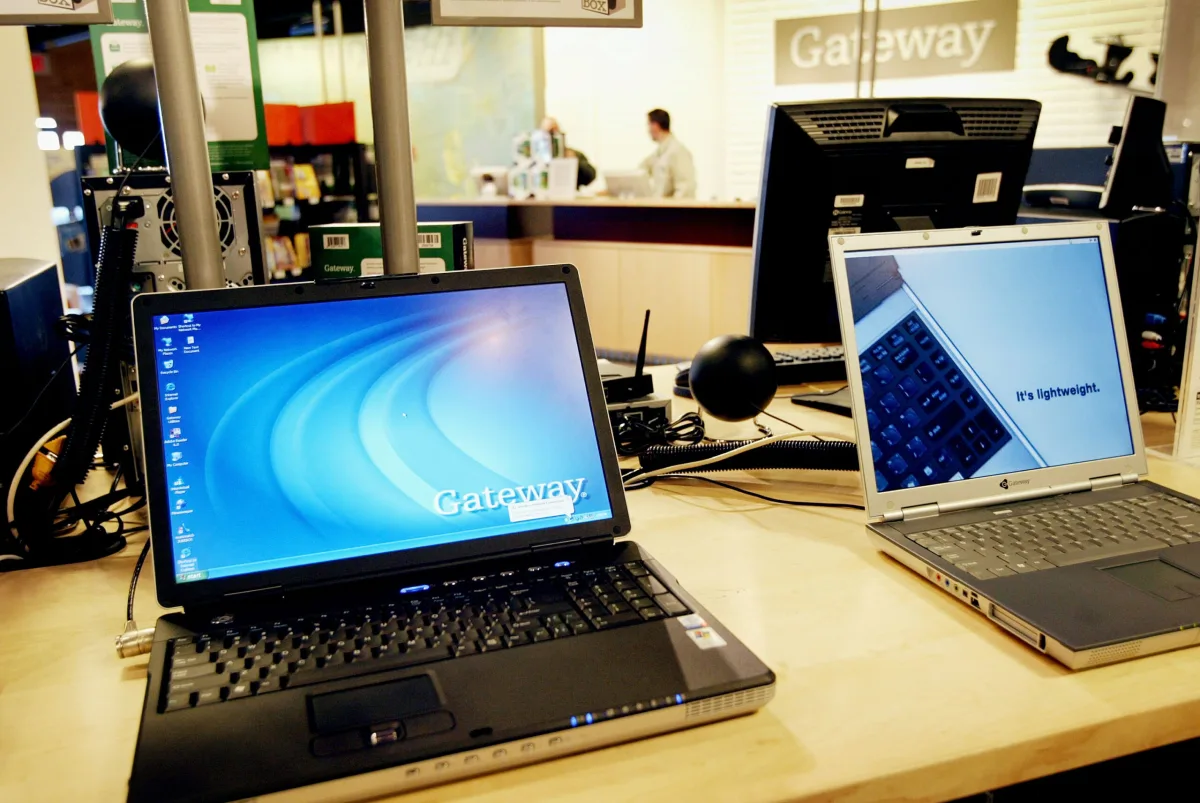 Laptop
How to Connect Gateway Laptop to WiFi (2026 Complete Guide)
This complete 2026 guide shows you how to connect any Gateway laptop to WiFi, troubleshoot missing networks, fix authentication errors, update drivers, and diagnose hardware failures—all in clear, numbered steps.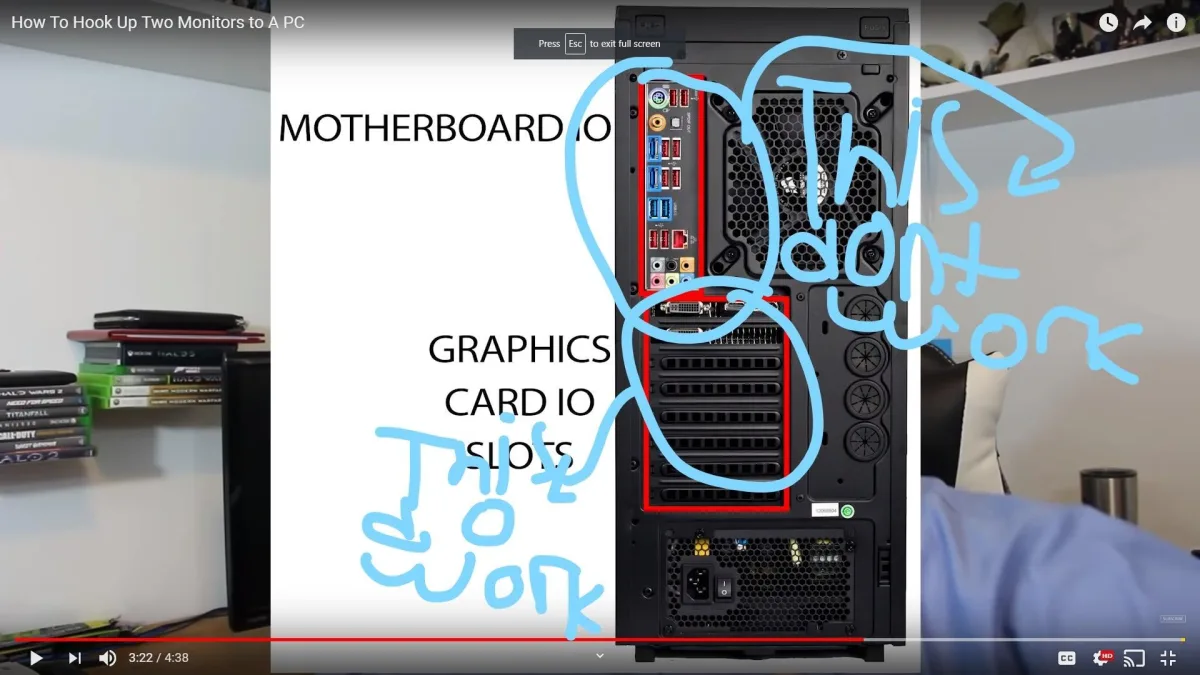 Desktop
How to Connect iBuyPower to Monitor (2026 Complete Guide)
This guide walks you through connecting your iBuyPower desktop to a monitor, from identifying the correct graphics card ports to configuring refresh rates and troubleshooting common issues.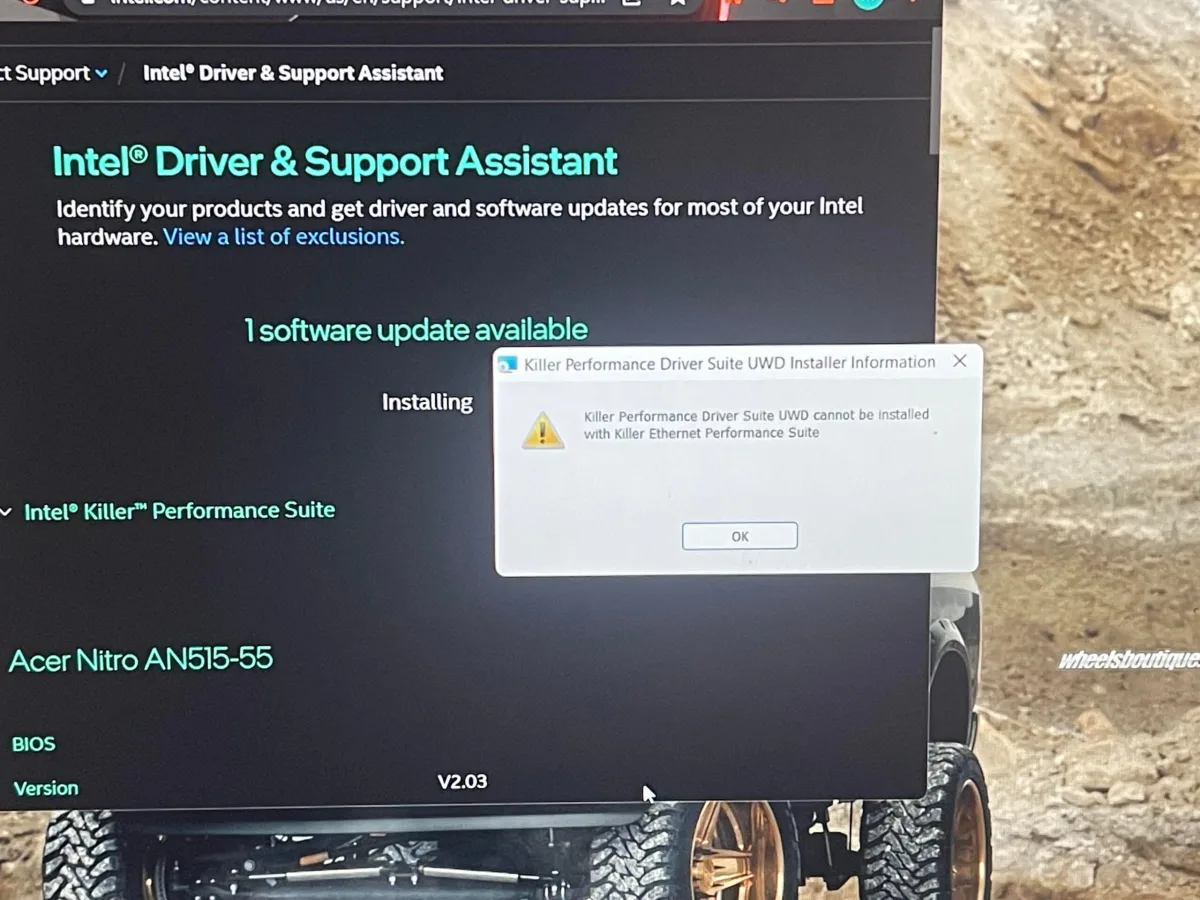 Desktop
Do I Need Killer Performance Driver Suite (2026 Complete Guide)
The Killer Performance Driver Suite comes pre-installed on many gaming laptops but isn't necessary for most users. Standard Intel drivers handle networking well, and the suite's traffic prioritization only helps on heavily congested networks. This 2026 guide covers features, removal steps, and when the suite might actually benefit your gaming experience.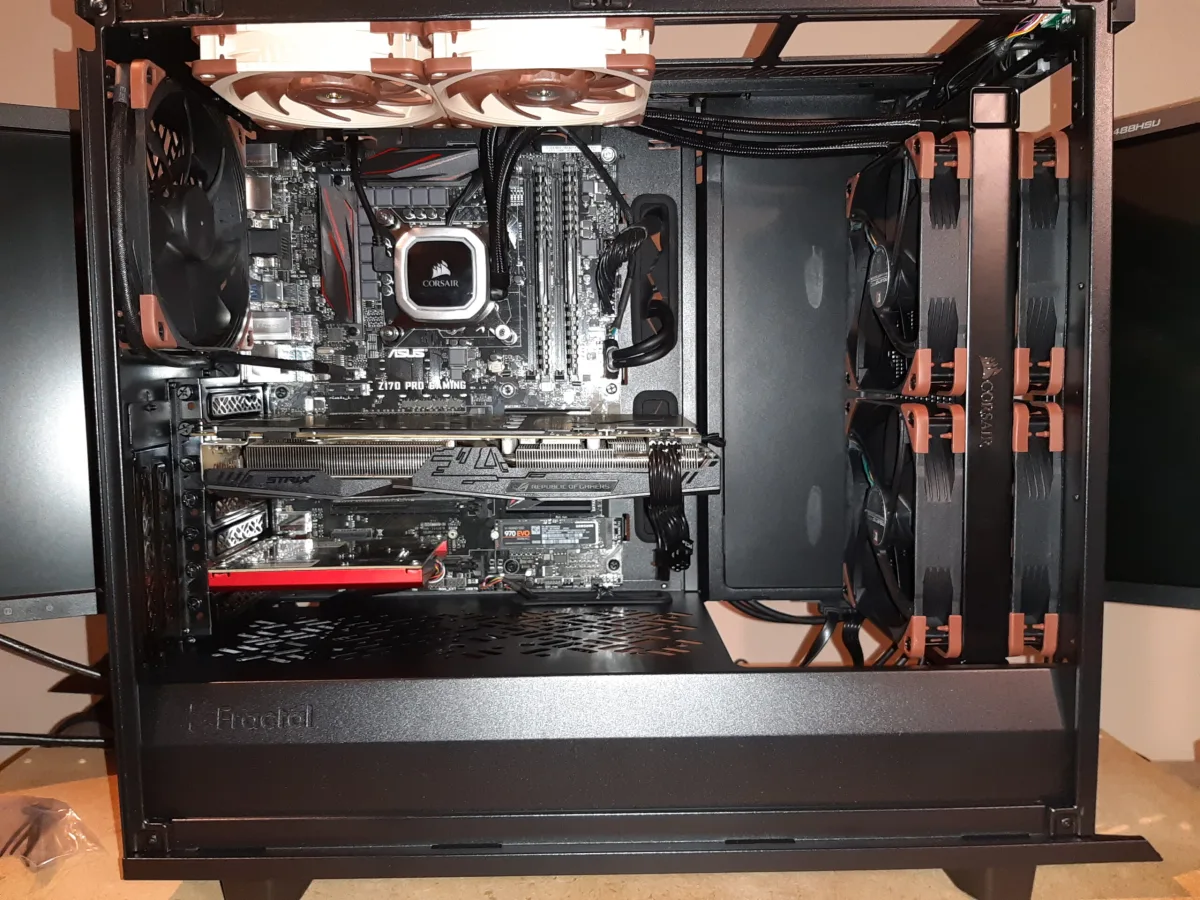 Desktop
Do GPU Fans Push or Pull? (2026 Complete Guide)
Most modern GPUs use a push configuration where fans blow air down through the heatsink toward the motherboard. This guide explains how to identify your GPU's airflow direction, optimize case airflow, and avoid common cooling mistakes.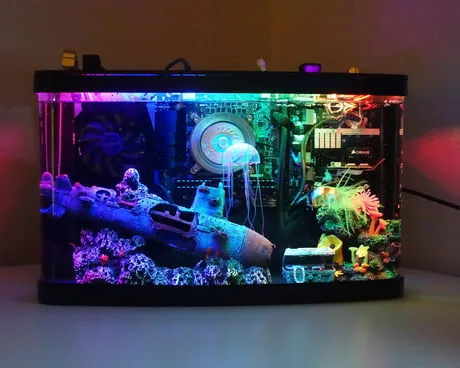 Desktop
Does Mineral Oil Conduct Electricity? (PC Cooling Explained)
Pure mineral oil is a dielectric fluid that does not conduct electricity, making it suitable for submerged PC cooling. This guide covers its electrical properties, contamination risks, safety precautions, and whether a mineral oil build is worth the effort in 2026.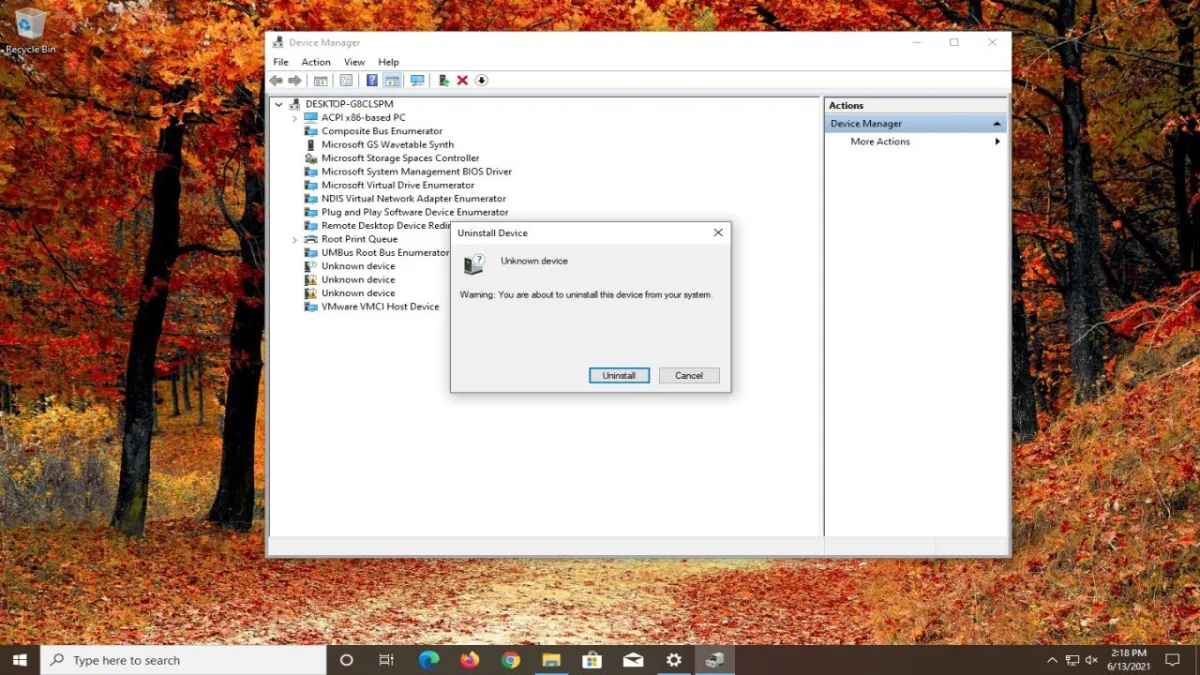 Desktop
Do I Need NDIS Virtual Network Adapter (2026 Complete Guide)
The NDIS Virtual Network Adapter is a legitimate Windows component that creates software-based network interfaces for virtualization, VPNs, and features like mobile hotspot. Most users should leave it enabled—disabling it can break Hyper-V, VPN clients, Windows Sandbox, and WSL 2 networking. This guide explains what it does, who needs it, and how to manage it safely in 2026. Desktop