
Home / how-to
how-to
290 guidesAll how-to guides
 Desktop
Does SSD Need Heatsink? (2026 Complete Guide)
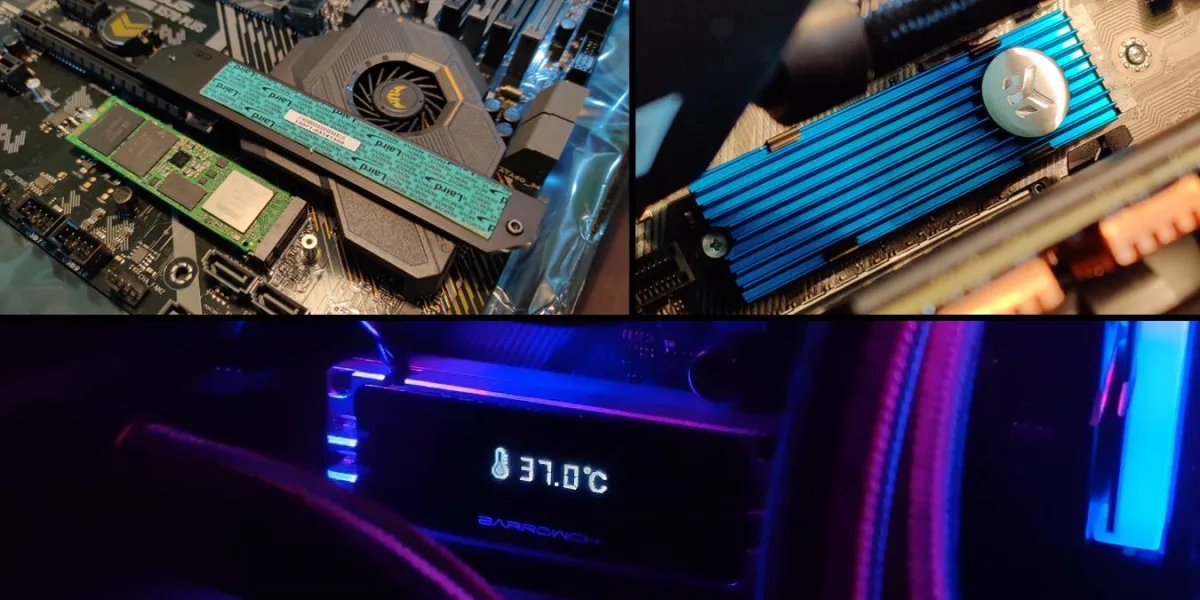
Whether your SSD needs a heatsink in 2026 depends on the drive interface and workload. SATA and PCIe 3.0 drives rarely need one, PCIe 4.0 drives benefit significantly, and PCIe 5.0 drives require a heatsink to avoid severe thermal throttling. This guide covers selection, installation, and platform-specific advice including PS5 requirements. Desktop
Does Best Buy Match Microcenter? (2026 Complete Guide)
Best Buy does price match Microcenter in 2026, but only for identical in-stock items at regular retail prices -- not bundles, clearance, or open-box deals. This guide covers every requirement, exclusion, and strategy to maximize savings on PC components. Desktop
Does My Motherboard Have Bluetooth? (2026 Complete Guide)
This guide explains how to determine if your motherboard has built-in Bluetooth, lists popular models with Bluetooth by brand, and covers options for adding Bluetooth via USB or PCIe adapters. Updated for 2026. DesktopHow Are Computer Fans Measured (2026 Complete Guide)
This 2026 guide explains how computer fans are measured—CFM, dBA, RPM, and static pressure—and teaches you to match fans to your actual build needs. Learn to read P-Q curves, calculate air pressure balance, avoid common mounting mistakes, and tune fan curves for optimal cooling and silence. Desktop
How to Reset CPU Uptime (2026 Complete Guide)
CPU uptime stays high because Windows Fast Startup saves the kernel state. This guide shows how to reset it with a true restart, Command Prompt, Task Scheduler automation, and a permanent registry fix—so your uptime counter always reflects reality.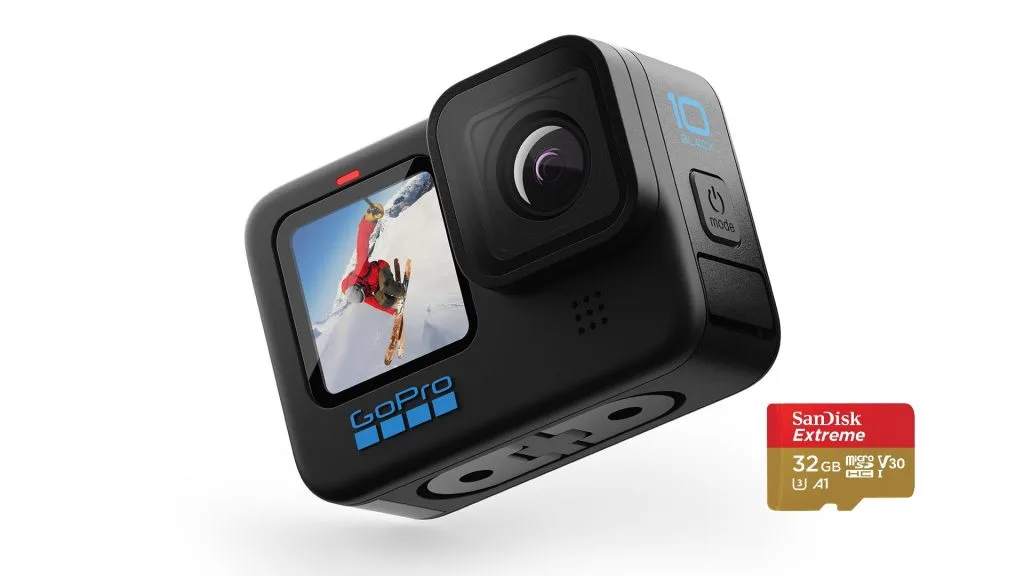 Desktop
How Much Video Can 32GB Hold 1080P (2026 Complete Guide)
A 32GB drive holds 3.5–9 hours of 1080P video depending on codec (H.264, H.265, AV1) and bitrate. This 2026 guide explains the calculations, real-world scenarios, and settings to maximize every gigabyte. Desktop
How to Install RGB Fusion 2.0 (2026 Complete Guide)
Install Gigabyte RGB Fusion 2.0 in 2026 with this step-by-step guide. Covers BIOS prep, clean installation, device mapping, profile creation, and cross-brand sync tips. Avoid common pitfalls like header voltage mismatches and conflicting RGB services. Software & Security
Can a Trojan Work Without Internet? (2026 Guide)
Trojans can operate extensively without internet—logging keystrokes, capturing screens, encrypting files, and modifying systems. Internet is only needed for data exfiltration and remote commands. This 2026 guide explains offline vs. online capabilities, air-gap risks, and practical defense strategies.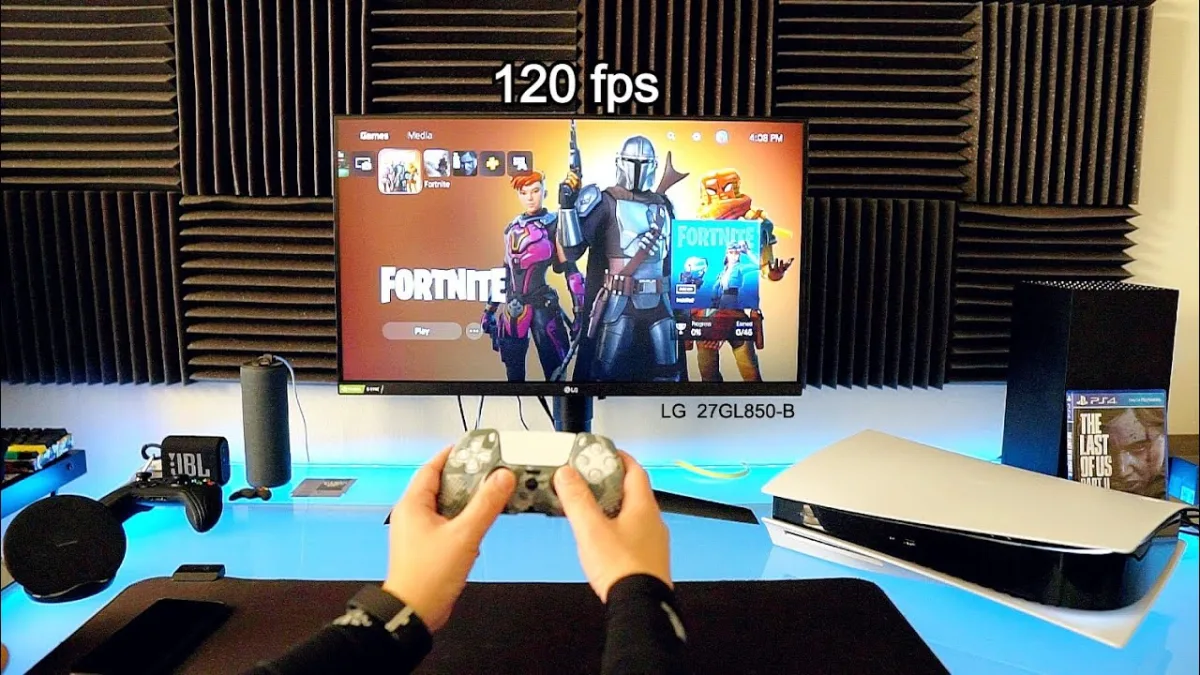 Desktop
Can a 60Hz Monitor Run 120FPS? (2026 Complete Guide)
A 60Hz monitor cannot display 120 unique frames per second, but rendering at 120 FPS still reduces input lag, improves frame pacing, and makes gameplay feel more responsive. This guide explains the Hz vs FPS relationship, the tangible benefits of high frame rates on a 60Hz panel, and when to upgrade for the best experience. Desktop