
Home / how-to
how-to
290 guidesAll how-to guides
Laptop
 Laptop
 Desktop
 Desktop
 Laptop
 Laptop
 Laptop
 Desktop
 Desktop
 Desktop
How to Turn Off Caps Lock Light on Dell Laptop (2026 Complete Guide)
This guide shows you three proven methods to turn off the Caps Lock light on your Dell laptop, from BIOS tweaks to software remapping, plus troubleshooting tips for common issues.
Laptop
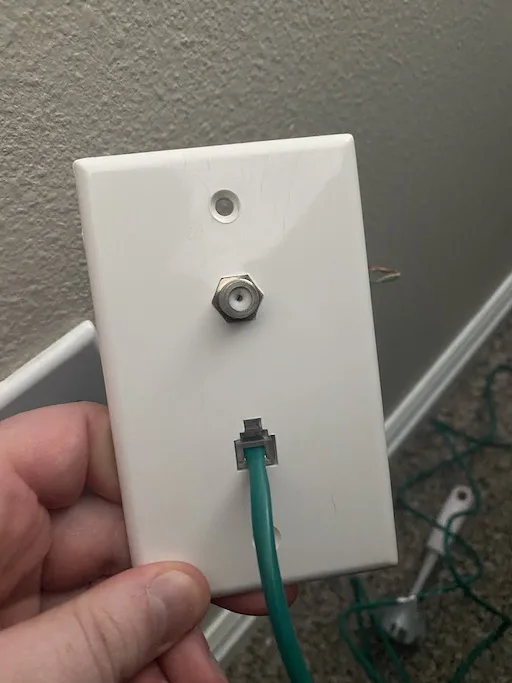
How to Get Ethernet in My Room (2026 Complete Guide)
This 2026 guide covers every practical way to get wired Ethernet into a remote room: direct cable runs, MoCA over coax, powerline adapters, and mesh WiFi with wired backhaul. Step-by-step instructions, comparison tables, pro tips, and common mistakes help you pick and install the right solution for your home and budget.
Desktop
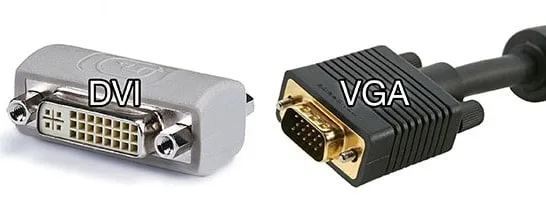
Can DVI Do 144Hz (2026 Complete Guide)
DVI can support 144Hz at 1080p with a dual-link cable, but single-link DVI is limited to ~120Hz. 1440p 144Hz is possible but unstable; DisplayPort or HDMI 2.0+ are better choices for high-refresh gaming in 2026.
Desktop
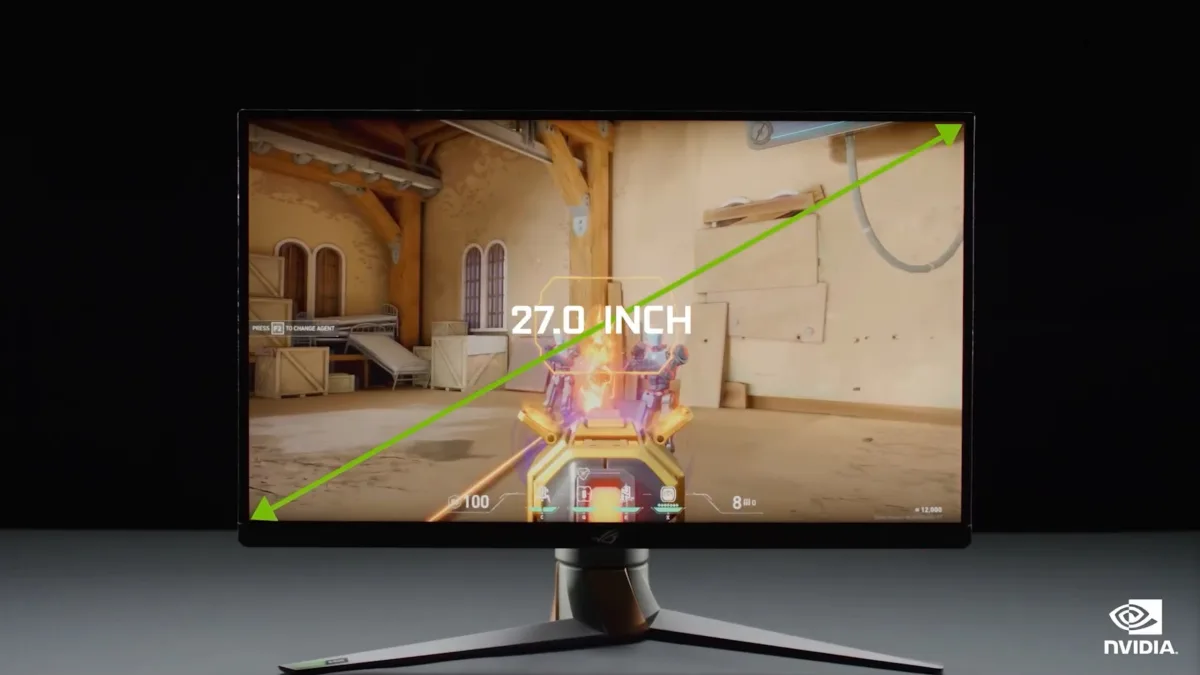
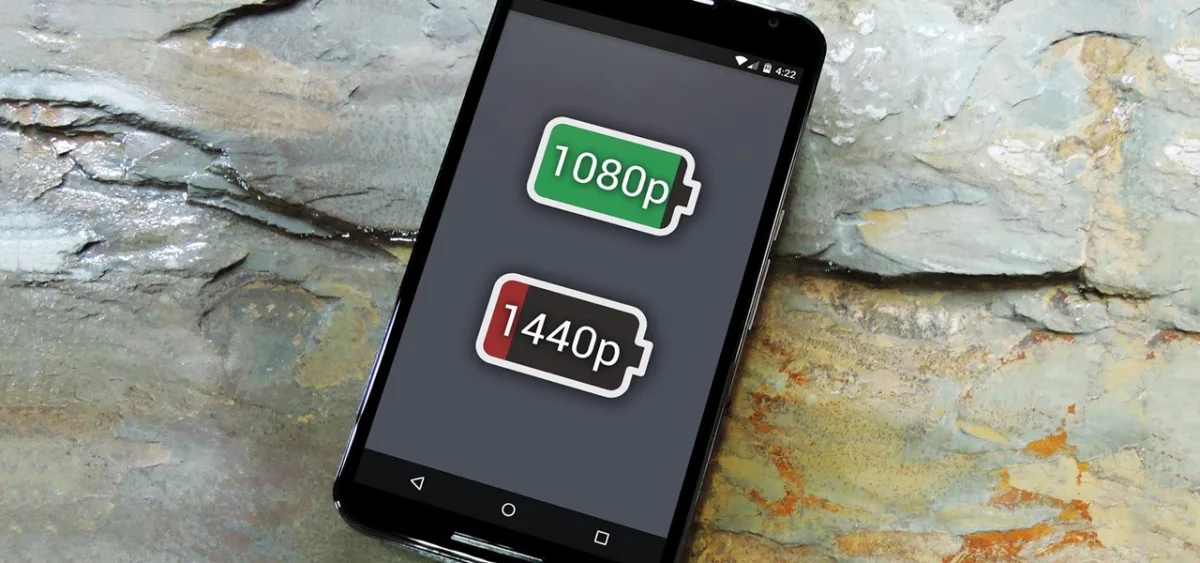
How to Switch from 1080P to 1440P (2026 Complete Guide)
Upgrading from 1080p to 1440p gives you 78% more pixels for sharper text and better gaming. This 2026 guide covers hardware checks, cable selection, Windows and GPU settings, and scaling tips so you can switch in under an hour.
Laptop
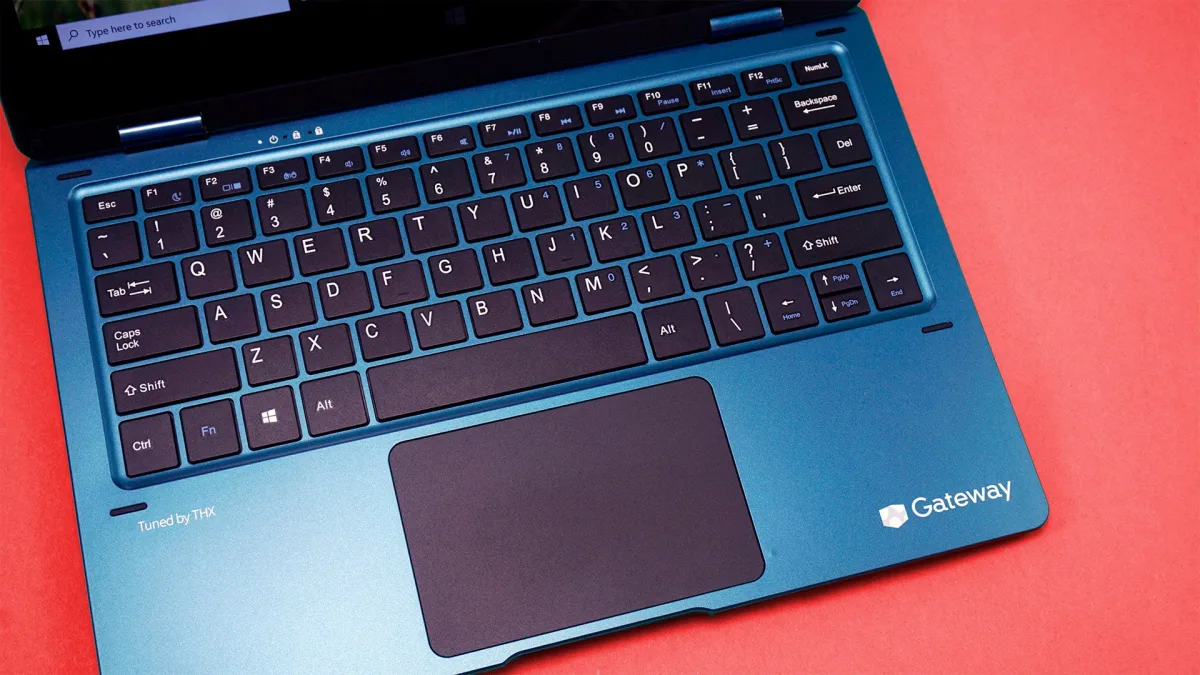
How to Turn Up Volume on Gateway Laptop (2026 Complete Guide)
Struggling with low volume on your Gateway laptop? This 2026 guide walks you through every method—from Windows Loudness Equalization and Realtek Audio Manager tweaks to driver updates, safe third-party boosters, and external speaker recommendations—to maximize audio output without damaging your hardware.
Laptop
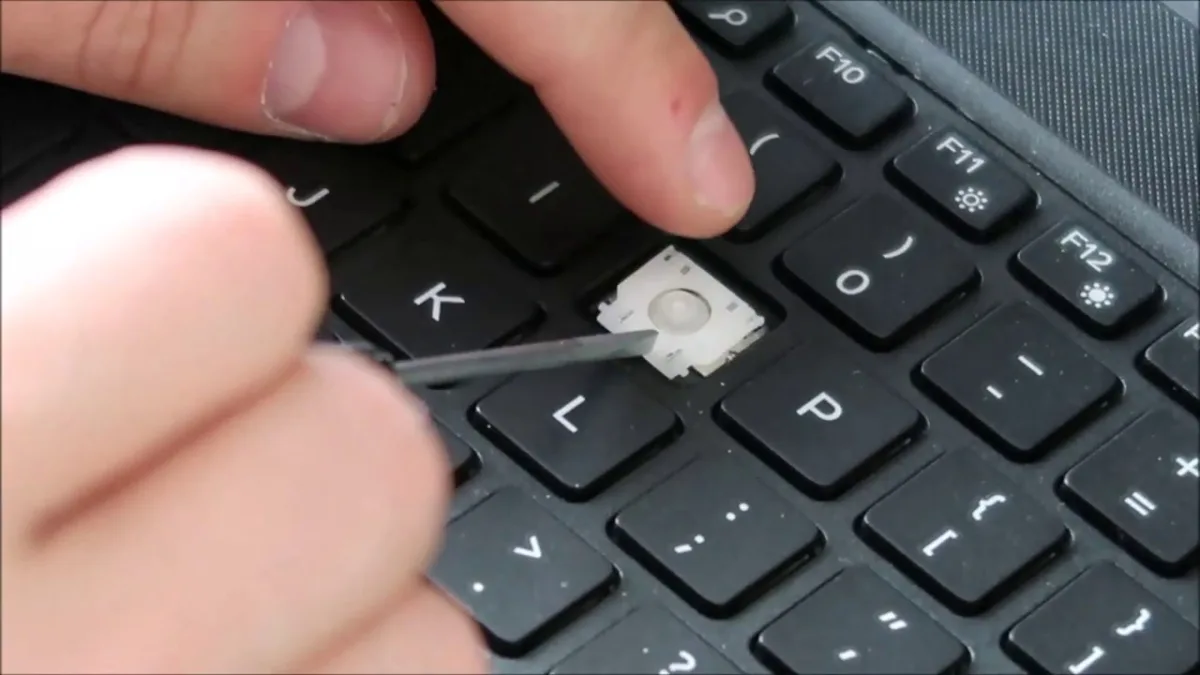
How to Put Dell Laptop Key Back On (2026 Complete Guide)
A detached Dell laptop key can be snapped back on in minutes if the parts aren't broken. This guide covers the components, step-by-step reattachment, and when to order replacements.
Laptop
How to Fix Gateway Laptop That Won't Turn On (2026 Complete Guide)
This comprehensive 2026 guide walks you through diagnosing and fixing a Gateway laptop that refuses to power on. From basic power checks and resets to advanced hardware diagnostics, you'll learn exactly what to test and when to seek professional repair.
Desktop
How to Make SSD Main Drive (2026 Complete Guide)
Set your SSD as the primary boot drive in 2026 with this complete guide. Covers hardware install, cloning, BIOS boot order, and verification steps to cut boot times under 10 seconds.
Desktop
Does Lower Resolution Increase FPS? (2026 Complete Guide)
Lowering resolution boosts FPS by reducing GPU pixel workload—often 2-3× gains from 4K to 1080p. Modern upscaling (DLSS 4, FSR 3.1) lets you render lower internally while keeping near-native image quality. This 2026 guide covers benchmarks, GPU/CPU bottlenecks, VRAM impact, and a step-by-step settings workflow.
Desktop