
Home / how-to
how-to
290 guidesAll how-to guides
 Laptop
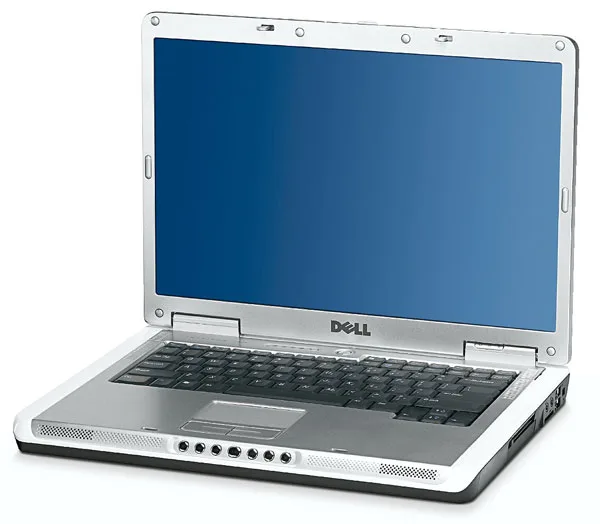
How to Factory Reset Dell Inspiron 6000 (2026 Complete Guide)
This 2026 guide walks you through every method to factory reset a Dell Inspiron 6000—recovery partition, Dell discs, Windows install media, or clean install—plus data backup, driver installation, SSD/RAM upgrade tips, and a lightweight Linux alternative. Follow the steps for a clean, usable system in under two hours.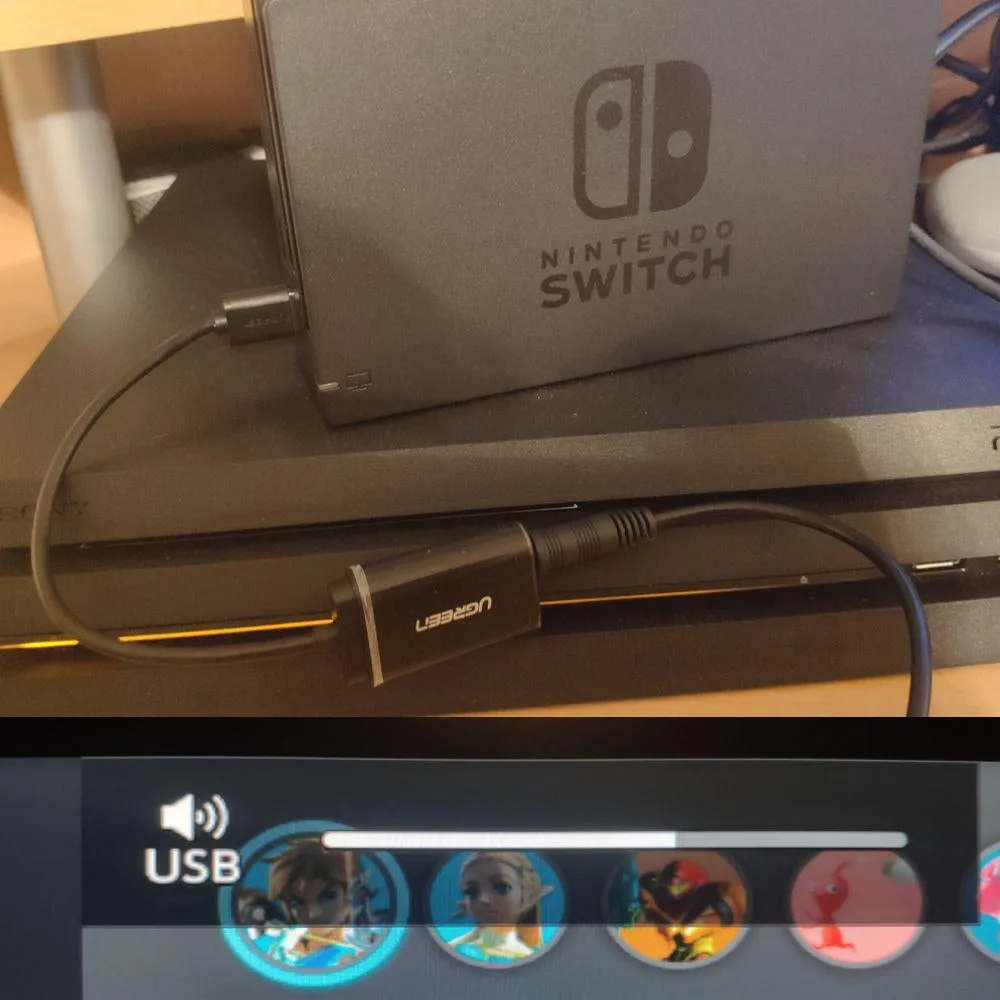 Desktop
How to Get Switch Audio on PC (2026 Complete Guide)
Route Nintendo Switch audio to your PC in 2026 using a capture card, 3.5 mm cable, HDMI audio extractor, or Bluetooth. Step-by-step setup, latency comparison, and pro tips for clean sound.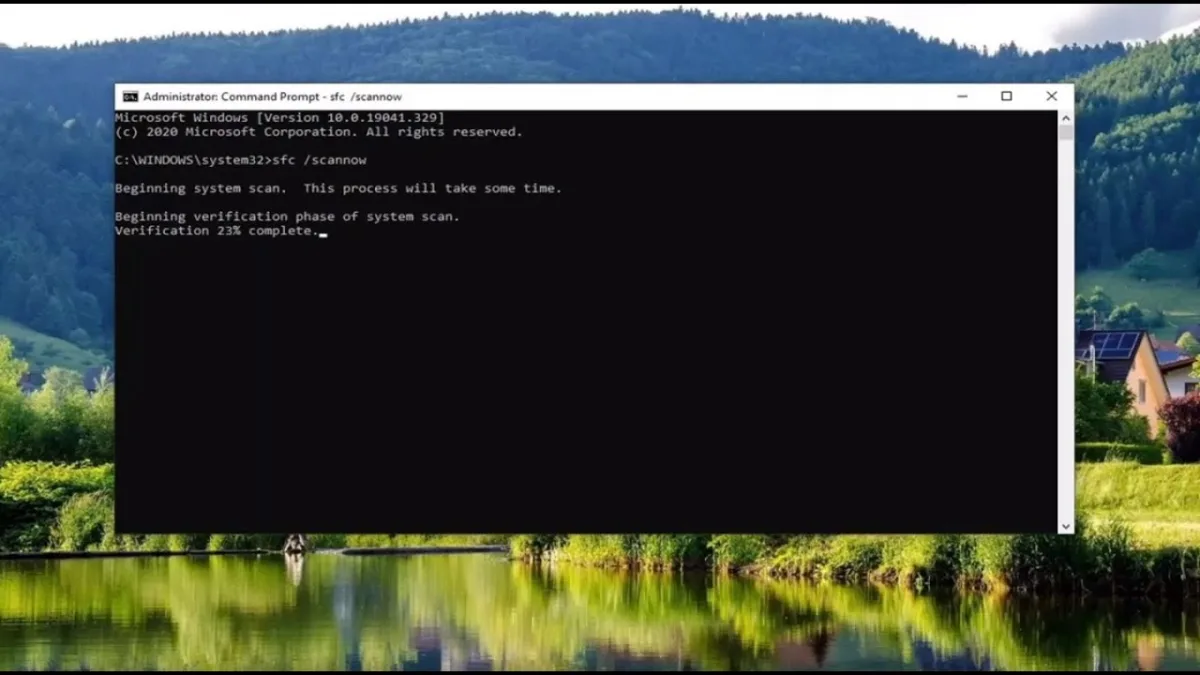 Desktop
Can Not Find Script File Maintenance VBS (2026 Complete Guide)
The 'Can Not Find Script File Maintenance.vbs' error appears when Windows can't locate a VBScript used for automatic maintenance. This 2026 guide covers five proven fixes—from disabling the scheduled task in 30 seconds to full SFC/DISM repair—plus malware checks and prevention tips for Windows 10 and 11. Networking
Can You Share Internet Between Two Houses? (2026 Guide)
Sharing internet between two houses is legal and technically feasible in 2026. This guide covers wireless bridges, buried Ethernet, powerline, mesh, and fiber—with step‑by‑step setup, legal tips, and equipment costs. Desktop
How Many SSDs Can a Motherboard Have (2026 Complete Guide)
This comprehensive 2026 guide explains exactly how many SSDs your motherboard can support, covering M.2 NVMe vs SATA, form factor limits (ATX, Micro-ATX, Mini-ITX), chipset lane allocations (Intel 700-series, AMD 600-series), lane-sharing gotchas, and expansion options via PCIe add-in cards or external enclosures. Includes real-world configuration examples and a verification methodology.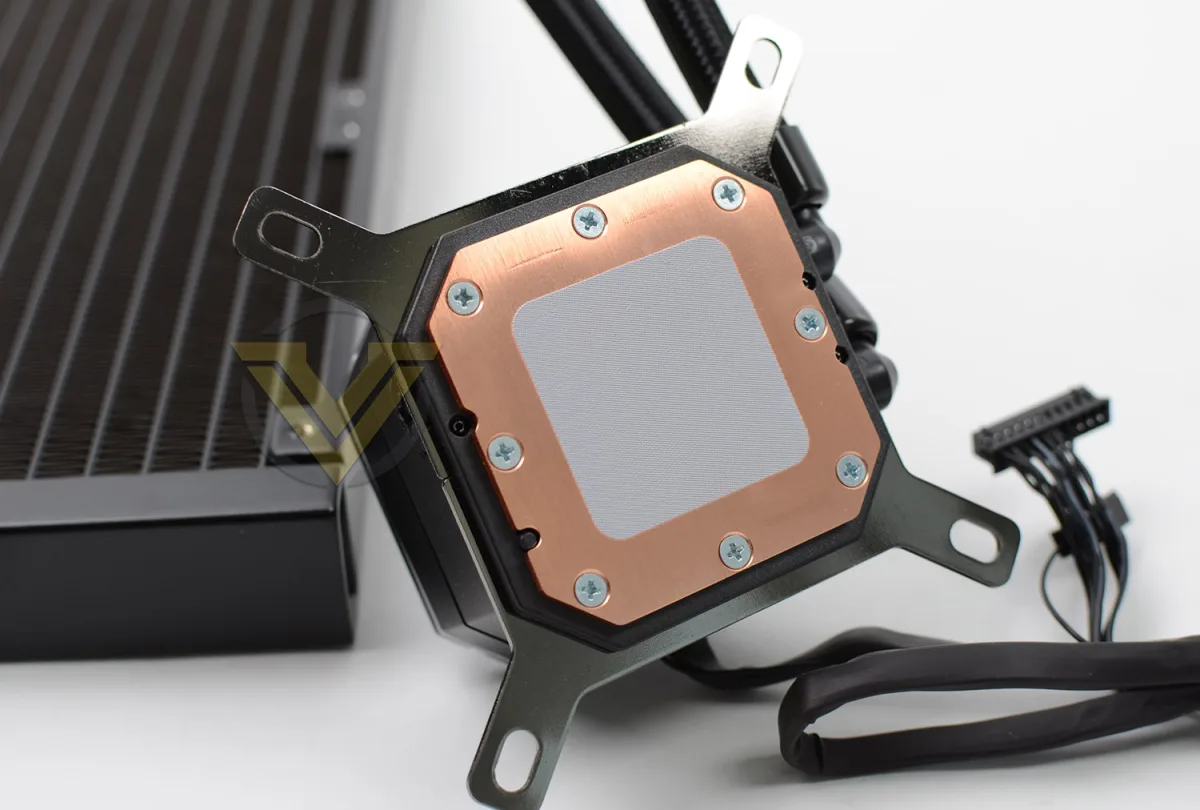 Desktop
Does Corsair iCUE H100i Come With Thermal Paste (2026 Complete Guide)
Every current Corsair iCUE H100i ships with thermal paste pre-applied to the cold plate. The factory compound (~5–7 W/mK) delivers excellent performance for stock and moderate overclocks. No separate tube needed for first install — just peel the protective film and mount. Desktop
How to Ship a Motherboard (2026 Complete Guide)
Shipping a motherboard safely requires anti-static protection, rigid cushioning, and a box with zero internal movement. This 2026 guide covers preparation, packaging, carrier selection, and insurance with step-by-step photos and pro tips. Desktop
How to Change Cooler Master RGB Fan Color (2026 Complete Guide)
This 2026 guide walks you through every method to change Cooler Master RGB fan colors: MasterPlus software for hub-connected fans, motherboard RGB software (Aura Sync, Mystic Light, RGB Fusion, Polychrome Sync) for header-connected fans, and hardware buttons for quick preset cycling. You'll learn to identify your fan type, install the right software, create custom profiles, and troubleshoot common issues like color mismatches or undetected fans. Laptop
How to Enable Dual Channel RAM on Laptop (2026 Complete Guide)
This 2026 guide shows you how to enable dual channel RAM on your laptop: check compatibility, buy a matching stick, install it safely, and verify the performance boost. Get up to 80% more memory bandwidth and dramatically better integrated graphics performance. Software & Security