
Home / how-to
how-to
290 guidesAll how-to guides
 Laptop
How to Force Dell Laptop to Turn Off (2026 Complete Guide)
Master the three proven ways to force a frozen Dell laptop to power off in 2026: power-button hold, full power drain, and reset pinhole. Learn exact timings, post-shutdown recovery steps, and how to prevent future freezes. Desktop
How to Check Hard Drive Power On Hours (2026 Complete Guide)
Learn how to check hard drive power-on hours (POH) in 2026 using CrystalDiskInfo, WMIC, PowerShell, vendor tools, and Linux smartctl. Interpret results, avoid common mistakes, and extend drive life with pro tips. Desktop
How Do You Copy on a Dell Computer (2026 Complete Guide)
Complete 2026 guide to copying on Dell computers covering keyboard shortcuts (Ctrl+C/V), mouse methods, File Explorer, command-line tools, clipboard history, cloud sync, and troubleshooting. Tested on Windows 11 24H2 across XPS, Latitude, and Precision models. Laptop
How to Make a Non-Dell Battery Work (2026 Complete Guide)
Learn how to make a third-party battery work on your Dell laptop: identify the exact model, update BIOS, disable non-genuine warnings, calibrate for accurate readings, and monitor long-term health. Save 50–70% vs. OEM with safe, reliable results.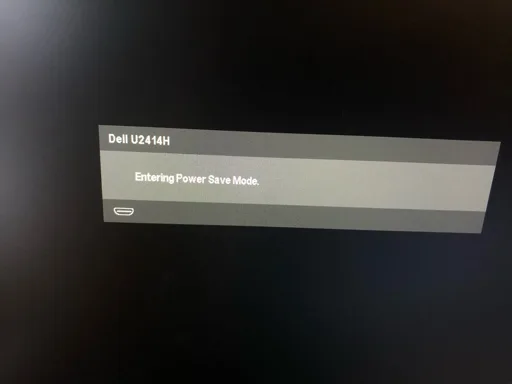 Desktop
How to Get Monitor Out of Power Save Mode (2026 Complete Guide)
This 2026 guide shows how to wake a monitor stuck in power save mode, adjust Windows and GPU power settings, and configure monitor OSD options to prevent future sleep issues. Follow three clear steps to regain control of your display.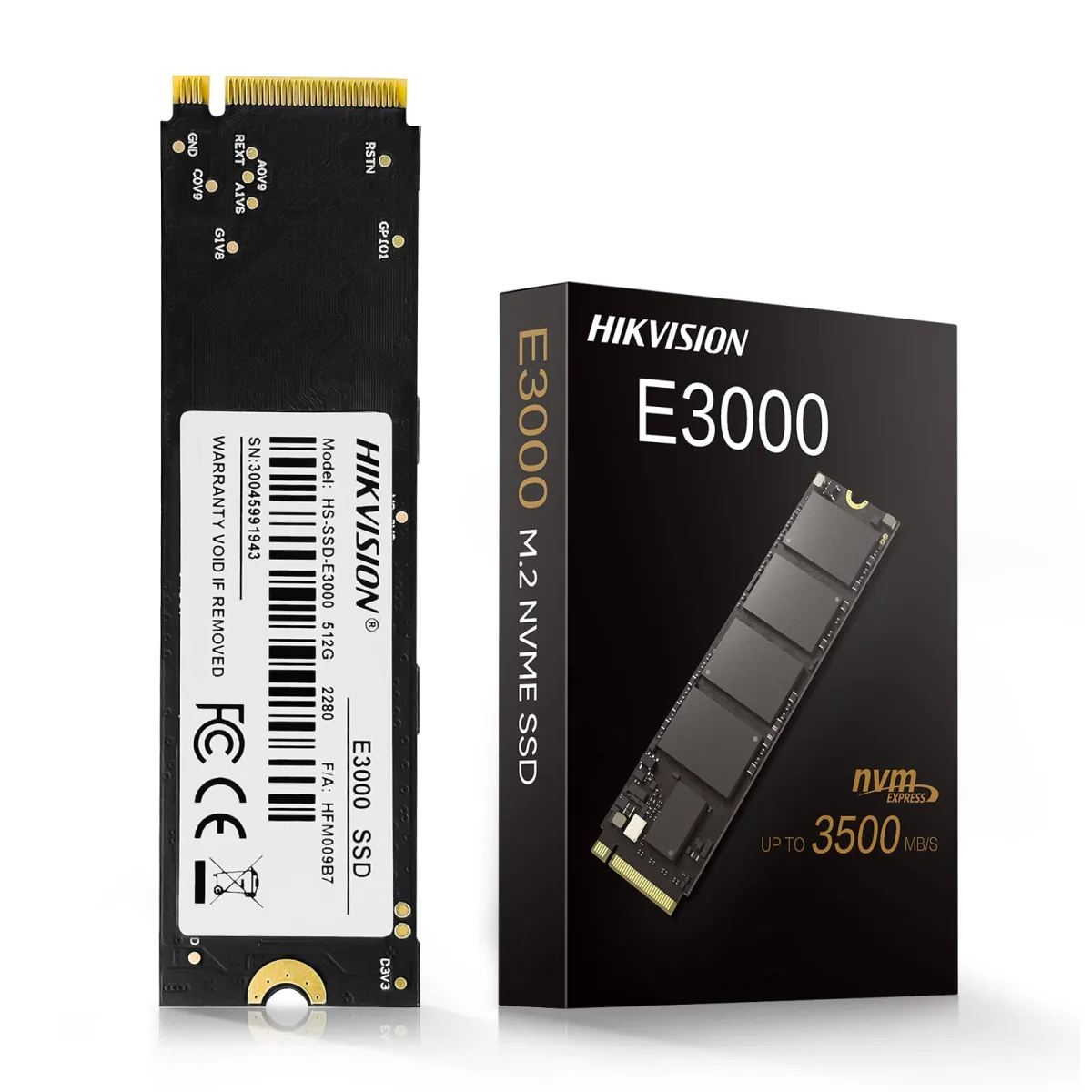 Desktop
How to Read M.2 SSD (2026 Complete Guide)
This 2026 guide shows you exactly how to read any M.2 SSD—SATA or NVMe—using internal slots, USB enclosures, or PCIe adapters. Follow three clear steps to identify, connect, and initialize your drive in Windows, plus pro tips for thermal management and cloning.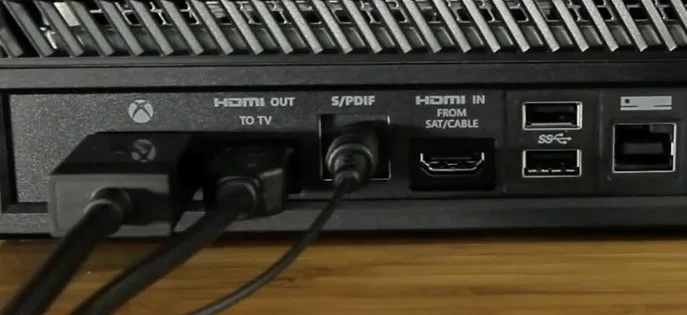 Desktop
How to Hear Xbox Audio Through PC (2026 Complete Guide)
Route Xbox audio to your PC in 2026 with three proven methods: HDMI capture card for 4K HDR and near-zero latency, optical/analog cables for cheap wired quality, or Xbox app Remote Play for wireless convenience. Step-by-step Windows configuration included.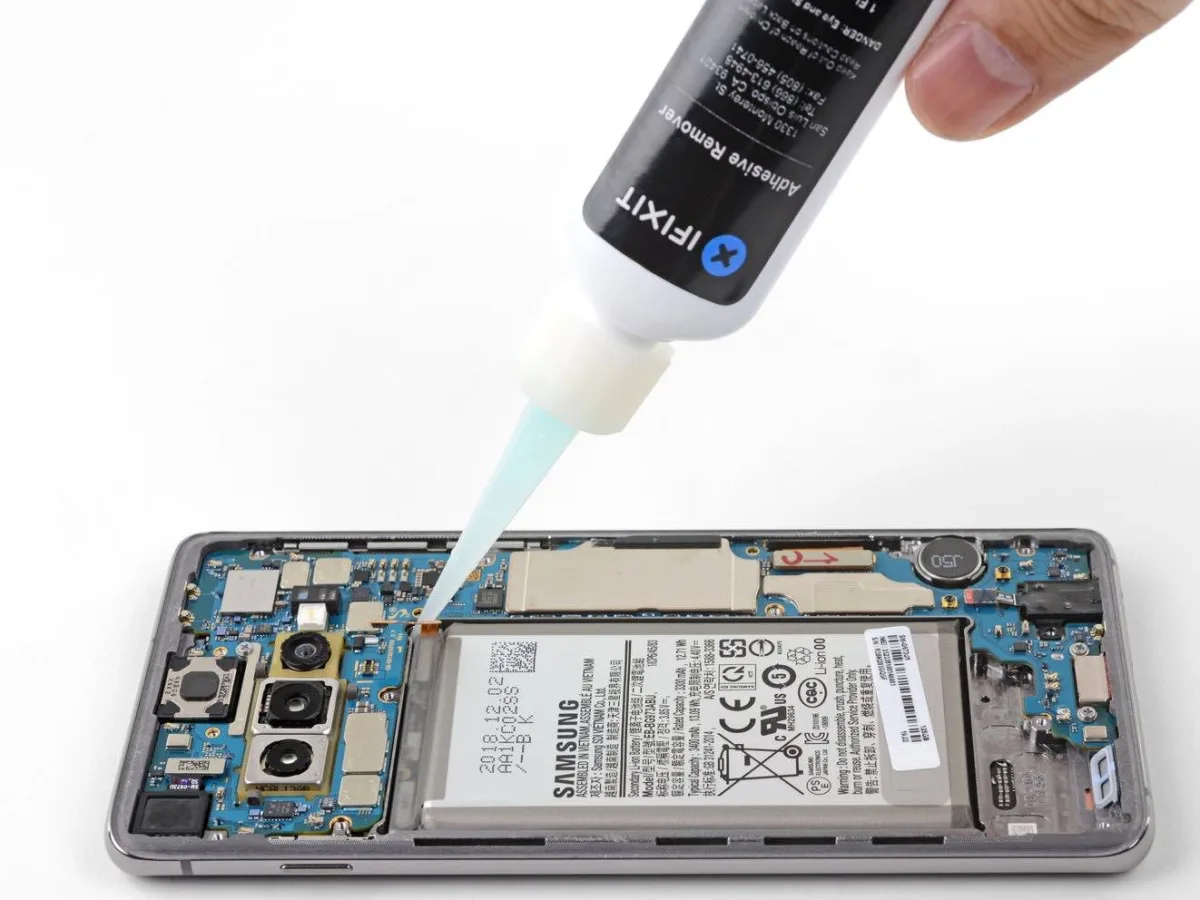 Desktop
Can You Use 91% Isopropyl Alcohol to Clean Electronics? (2026 Guide)
91% isopropyl alcohol is safe and effective for cleaning most electronics when used correctly. This 2026 guide covers best practices, what to avoid, and how it compares to other concentrations.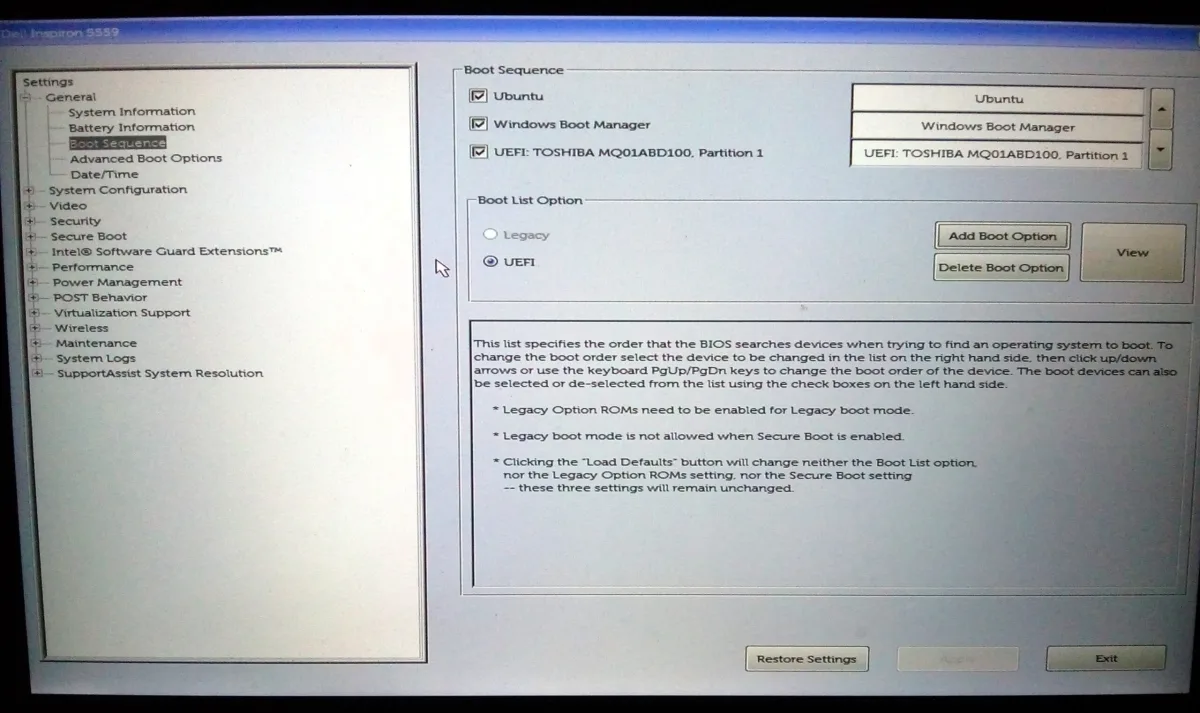 Desktop
How to Change Boot Sequence in Dell (2026 Complete Guide)
This 2026 guide shows how to change the boot sequence on any Dell laptop or desktop. Learn to enter BIOS via F2 or Windows Advanced Startup, reorder UEFI/Legacy boot devices, use the F12 one-time menu, troubleshoot missing USB drives, and restore defaults safely. Keyboard