
Home / how-to
how-to
290 guidesAll how-to guides
 Laptop
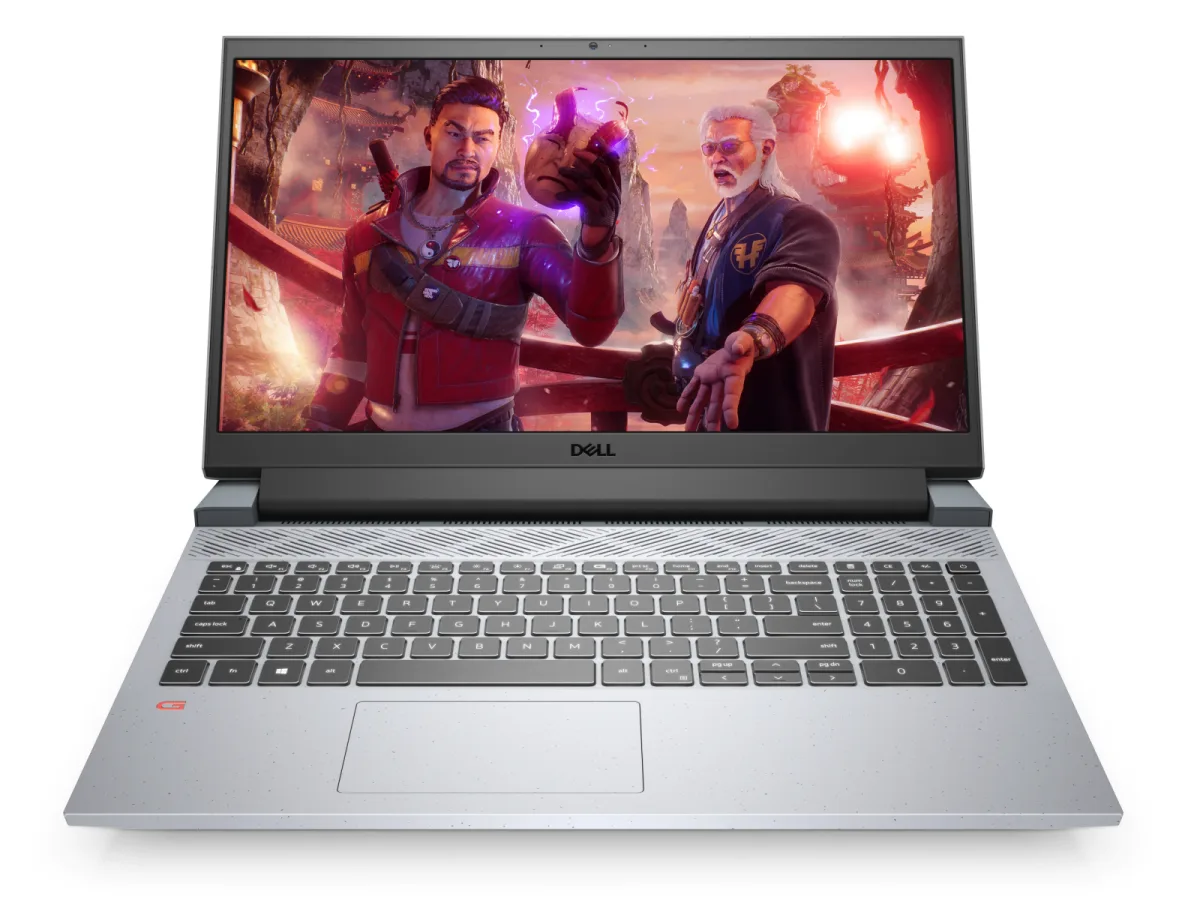
How Long Does Dell G15 Battery Last (2026 Complete Guide)
The 2026 Dell G15 with an 86Wh battery delivers 8–11 hours of real-world productivity and 1.5–2 hours of gaming. This guide breaks down every configuration, explains what actually drains the battery, and gives you a step-by-step optimization plan to maximize unplugged runtime.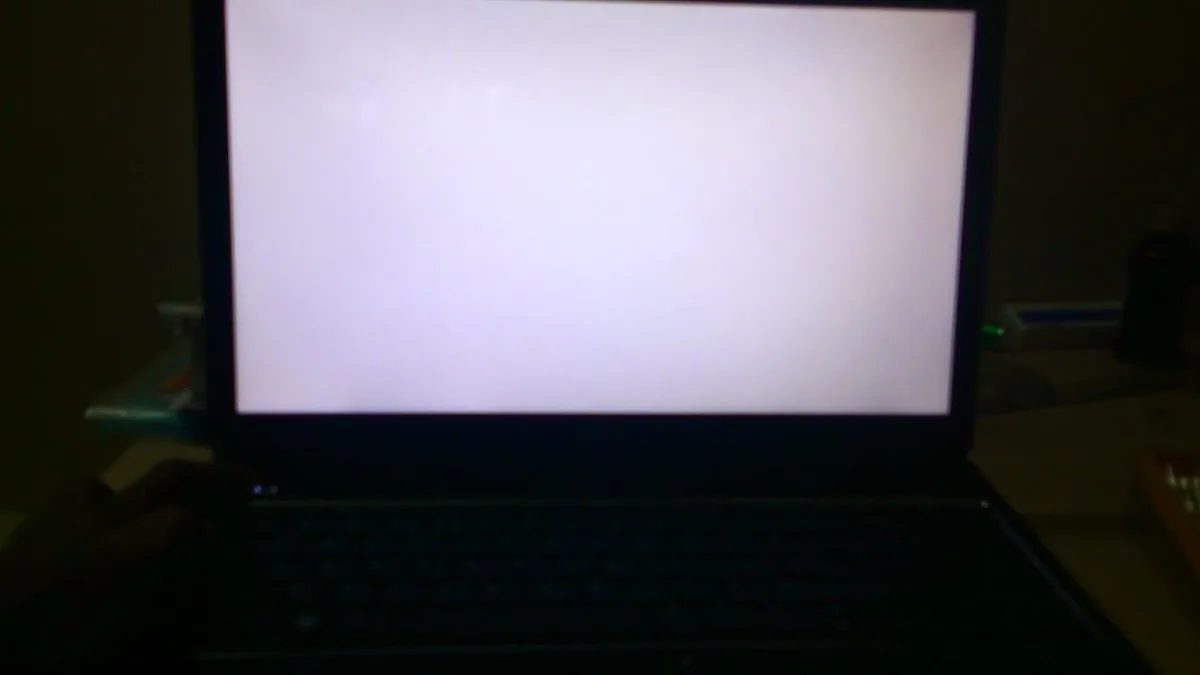 Laptop
How to Fix Dell Laptop White Screen (2026 Complete Guide)
A white screen on your Dell laptop can be caused by driver conflicts, a loose display cable, or panel failure. This 2026 guide walks you through a proven troubleshooting sequence—from a 30-second hard reset to a full LCD panel swap—so you can diagnose and fix the issue quickly and affordably.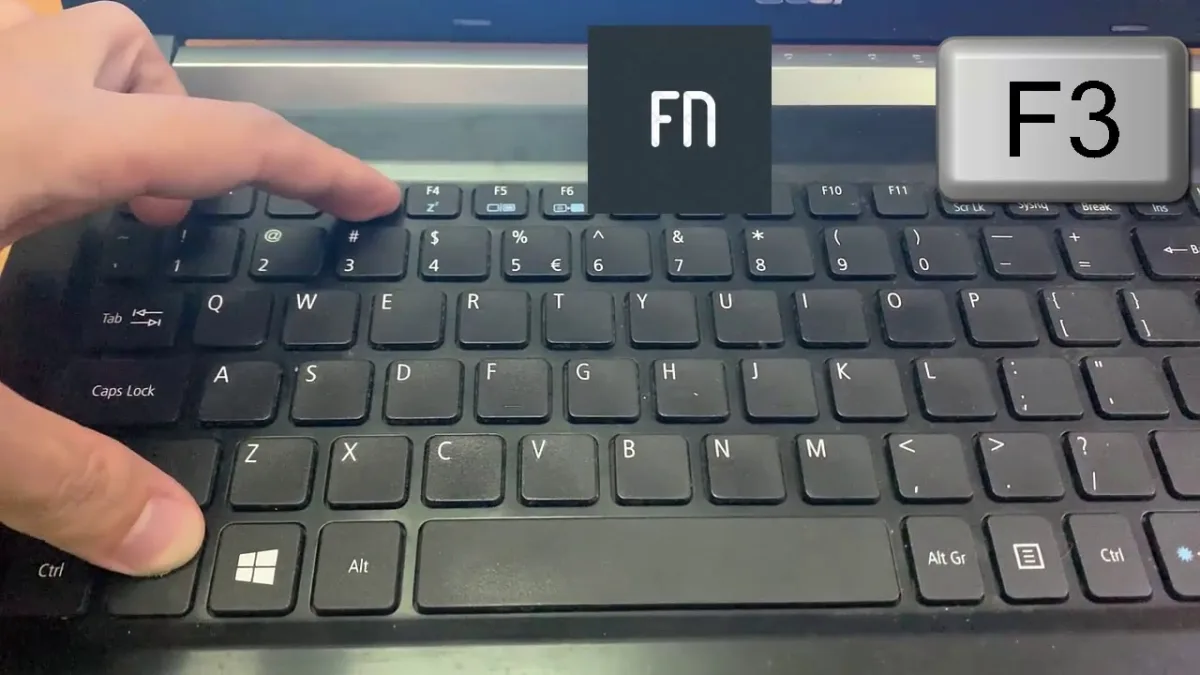 Desktop
How to Turn on Acer PC (2026 Complete Guide)
This 2026 guide covers every way to turn on an Acer desktop or laptop, from basic button presses to BIOS power settings and troubleshooting no-boot scenarios with power drains and LED code diagnosis. Desktop
How to Mount AIO Cooler (2026 Complete Guide)
Complete 2026 guide to mounting an AIO liquid cooler: front vs top vs rear placement, fan orientation, pump header wiring, BIOS setup, and common mistakes that kill performance. Step-by-step with photos, tables, and pro tips.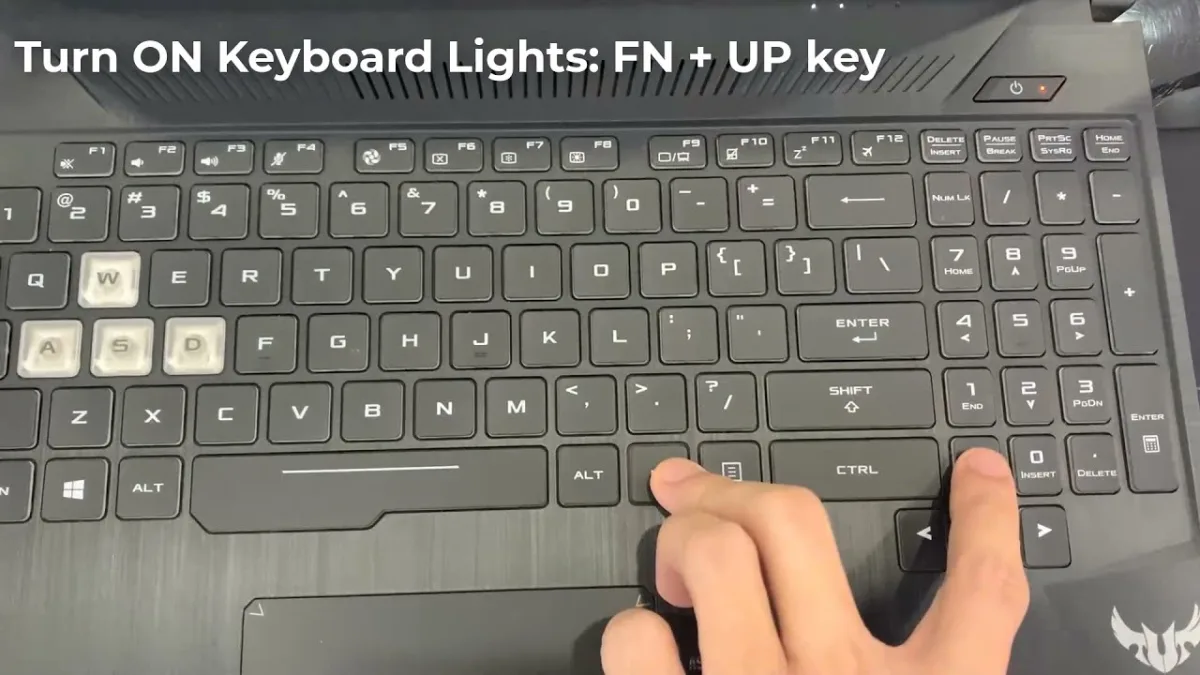 Laptop
How to Turn Off ASUS Laptop (2026 Complete Guide)
This 2026 guide covers every way to turn off an ASUS laptop—standard shutdown, keyboard shortcuts, power-button and lid-close configuration, command-line automation, force shutdown for frozen systems, and model-specific tips for ZenBook, ROG, VivoBook, and TUF Gaming lines. Desktop
Can You Mix RAM Speeds DDR4 (2026 Complete Guide)
Yes, you can mix DDR4 RAM speeds—all modules run at the slowest stick's speed. This 2026 guide covers performance impact, stability tips, XMP risks, Intel vs AMD differences, and when to buy a matched kit instead. Desktop
How to Zoom Out on a Dell Desktop (2026 Complete Guide)
Accidentally zoomed in on your Dell desktop? This 2026 guide covers every way to zoom out: keyboard shortcuts (Ctrl+0), mouse scroll, display scaling, browser/app zoom, Magnifier, and system-wide reset. Fix oversized screens in minutes. Laptop
How to Connect Toshiba Laptop to WiFi (2026 Complete Guide)
This 2026 guide walks you through connecting any Toshiba or dynabook laptop to WiFi, covering hardware switches, function keys, Windows 10/11 settings, hidden networks, static IP, driver fixes, and optimization tips. Desktop
How to Run Dell SupportAssist as Administrator (2026 Complete Guide)
Unlock every feature in Dell SupportAssist by running it as administrator. This 2026 guide covers three proven methods—quick right-click, persistent shortcut setup, and command-line launches—with step-by-step instructions, safety warnings, and troubleshooting fixes. Desktop