
Home / how-to
how-to
290 guidesAll how-to guides
 Laptop
How to Turn Off Dell Laptop When Frozen (2026 Complete Guide)
When your Dell laptop freezes, you need a reliable way to shut it down without damaging hardware or losing data. This guide covers every method from gentle recovery to forced power drain, plus prevention tips. Desktop
How to Set Your RAM to 3200MHz (2026 Complete Guide)
Your 3200MHz RAM defaults to 2133MHz until you enable XMP in BIOS. This 2026 guide shows exactly how to unlock rated speeds on any motherboard, with brand-specific steps, troubleshooting, and verification tips. Desktop
How to Test PC Fans Without Motherboard (2026 Complete Guide)
Master three proven ways to test PC fans without a motherboard: PSU Molex jump, dedicated fan tester, or AA battery pack. Verify spin, RPM, and bearing health in under an hour with zero risk. Laptop
Do WiFi Adapters Go Bad? (2026 Complete Guide)
WiFi adapters do fail over time due to heat, wear, and electrical stress. This 2026 guide covers every symptom, cause, diagnostic step, and fix — so you can tell whether a driver update or a new adapter is the real solution. Desktop
Do Dell Monitors Have HDMI (2026 Complete Guide)
Most Dell monitors made after 2015 include HDMI, but the version (1.4, 2.0, or 2.1) varies by series. This guide covers which models have HDMI, what each version supports, cable selection, troubleshooting, and tips for getting the best performance. Desktop
How to Copy on a Dell (2026 Complete Guide)
This guide covers all methods to copy text, files, and images on Dell computers running Windows. Master Ctrl+C, right-click menus, clipboard history, and touchscreen gestures in minutes. Desktop
How to Tell Which USB Port is Which (2026 Complete Guide)
Learn to identify any USB port by color, symbol, shape, and Windows tools. This 2026 guide covers USB 2.0 through USB4, Type-A, Type-C, Thunderbolt, and real-world speed testing so you always plug into the right port. DesktopHow to Reset Dell Monitor (2026 Complete Guide)
This guide shows you how to factory‑reset any Dell monitor using the OSD menu, hardware button combos, or a simple power cycle. You’ll also learn post‑reset calibration tips and common mistakes to avoid.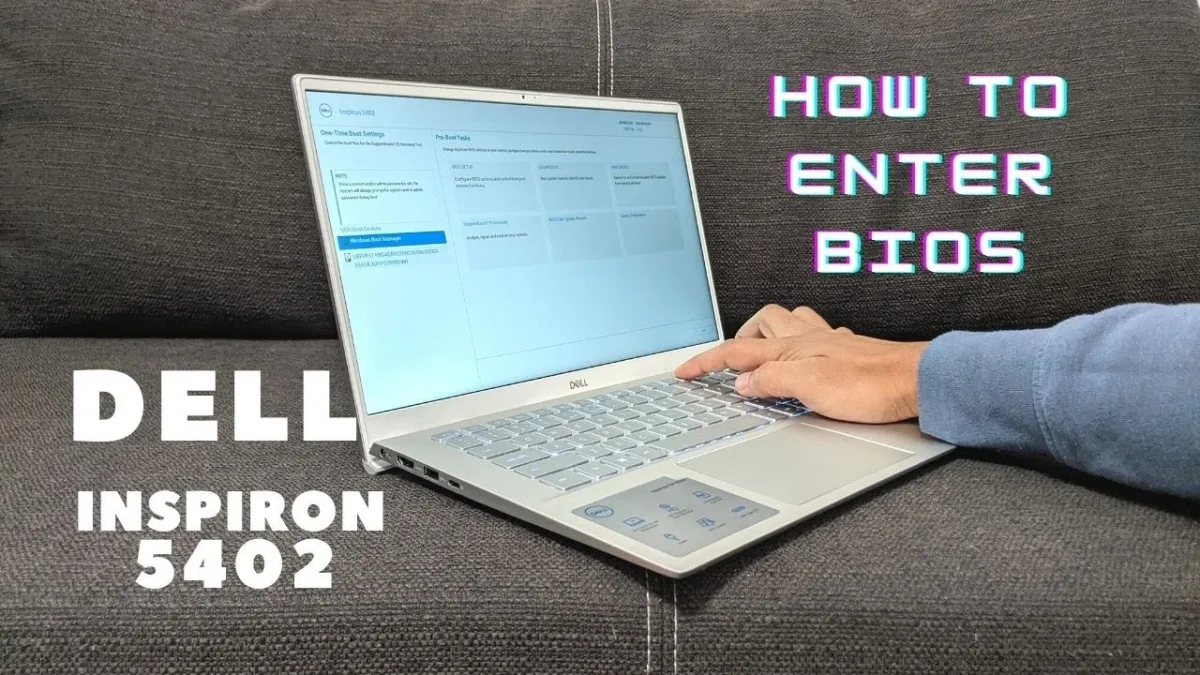 Laptop
How to Turn Off Dell Inspiron 14 5000 (2026 Complete Guide)
Master every way to shut down your Dell Inspiron 14 5000: normal Start menu shutdown, keyboard shortcuts, force shutdown for freezes, and advanced power options. Includes battery health checks and common mistake fixes. Desktop