
Home / how-to
how-to
290 guidesAll how-to guides
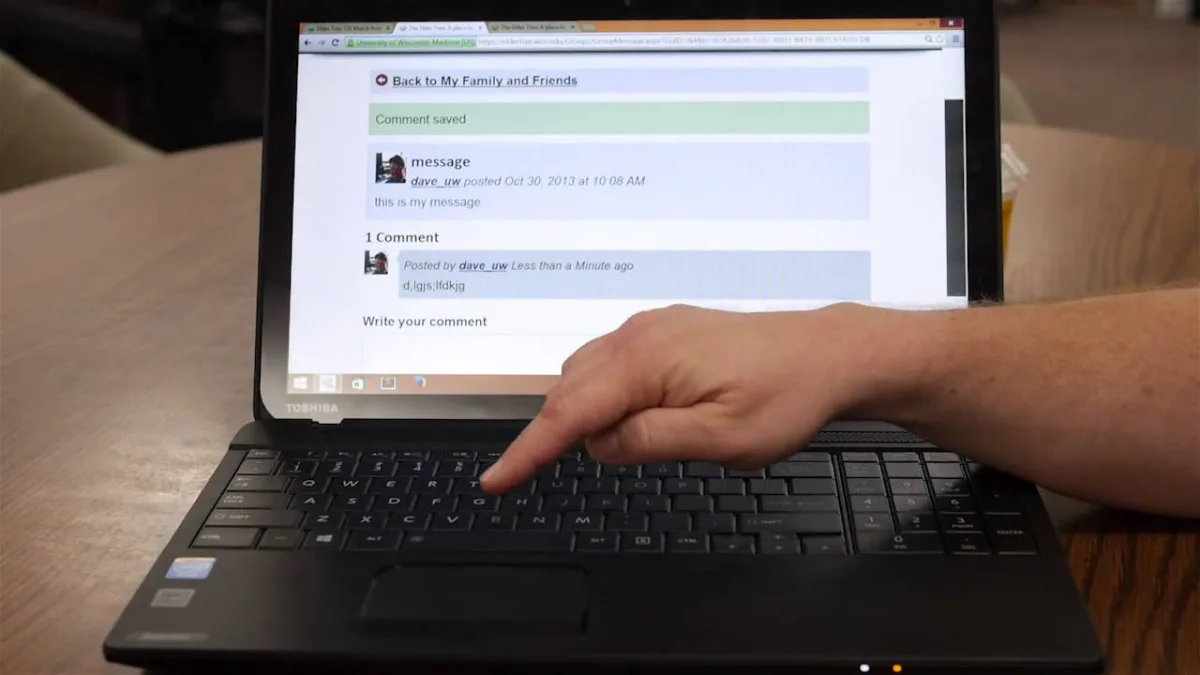 Laptop
How to Zoom In on Dell Laptop (2026 Complete Guide)
Master every zoom method on your Dell laptop: keyboard shortcuts (Ctrl++), Windows Magnifier (Win++), touchpad pinch gestures, browser zoom, display scaling, and app-specific controls. Step-by-step guide for Windows 10/11 with pro tips and troubleshooting. Desktop
Can GHz Be Upgraded (2026 Complete Guide)
You cannot change a CPU's base clock speed, but you can achieve higher GHz through overclocking, boost optimization, or a processor upgrade. This 2026 guide explains base vs. boost clocks, overclocking risks, motherboard compatibility, and free performance tweaks. Desktop
Can't Uninstall Dell SupportAssist (2026 Complete Guide)
Struggling to remove Dell SupportAssist? This 2026 guide covers every method—from the official uninstaller tool to Safe Mode and registry cleanup—plus steps to prevent automatic reinstallation via Windows Update and scheduled tasks. Desktop
Can You Upgrade Intel i3 to i7 (2026 Complete Guide)
Upgrading from Intel i3 to i7 in 2026 is possible if your motherboard matches the socket, chipset, VRM, and BIOS requirements. This guide covers compatibility checks, installation steps, cooling needs, and real-world performance gains. Desktop
How to Adjust Dell Monitor Height (2026 Complete Guide)
This 2026 guide shows you how to adjust any Dell monitor's height—whether it has a built-in stand or needs a VESA arm, wall mount, or riser. Follow three clear steps to achieve ergonomic screen positioning and prevent neck strain. Desktop
How to Enable Dell Client Management Service (2026 Complete Guide)
This 2026 guide shows IT admins how to enable Dell Client Management Service on Windows 10/11 via Services, PowerShell, or Group Policy. Includes verification steps, common fixes, and enterprise best practices. Networking
Can Ping but Not HTTP? (Network Troubleshooting Guide)
When ping works but websites won't load, the issue is usually a firewall, DNS, proxy, or TLS problem—not a broken connection. This 2026 guide walks you through every layer from ICMP to HTTPS with step‑by‑step tests, common pitfalls, and pro tips to restore browsing fast. Desktop
Can 1366x768 Display 1080p? (2026 Complete Guide)
A 1366x768 display can play 1080p content by downscaling it, but you lose the extra sharpness of native 1080p. This guide explains the downscaling process, optimal settings for video and gaming, and when upgrading to a 1080p panel makes sense in 2026. Desktop
Can DDR3 Fit in DDR4? (2026 Complete Guide)
DDR3 and DDR4 RAM are not interchangeable—different notches, pin counts, voltages, and signaling prevent any cross‑generation use. This 2026 guide explains the physical and electrical reasons, how to identify each type, and tips for a successful upgrade.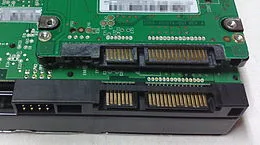 Desktop