
Home / monitor
monitor
36 guidesAll monitor guides
 Desktop
How to Extend 1 HDMI to 2 Monitors (2026 Complete Guide)
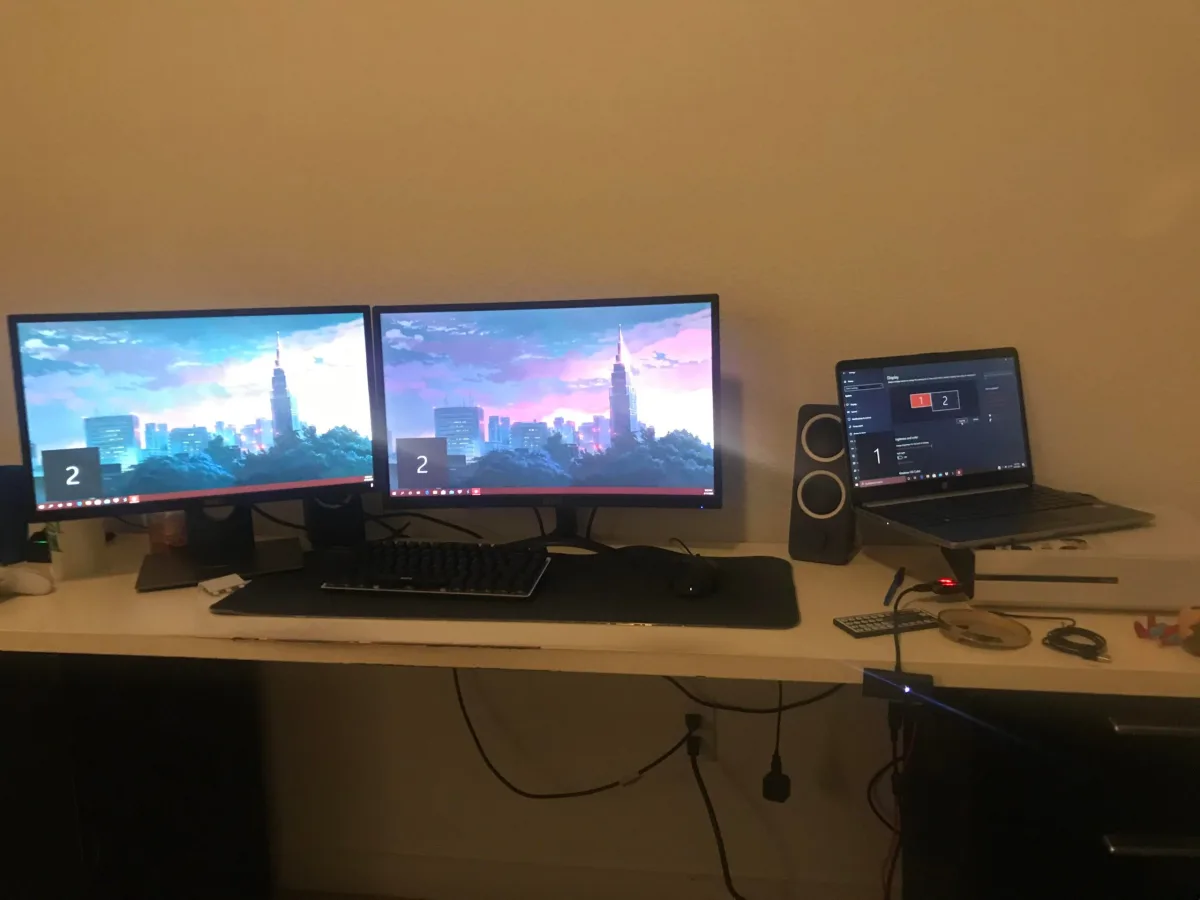
Learn how to extend a single HDMI port to dual monitors in 2026. Covers HDMI splitters (mirror only), USB-C docking stations, MST hubs, daisy chaining, and native multi-output setups with step-by-step instructions, hardware costs, and troubleshooting.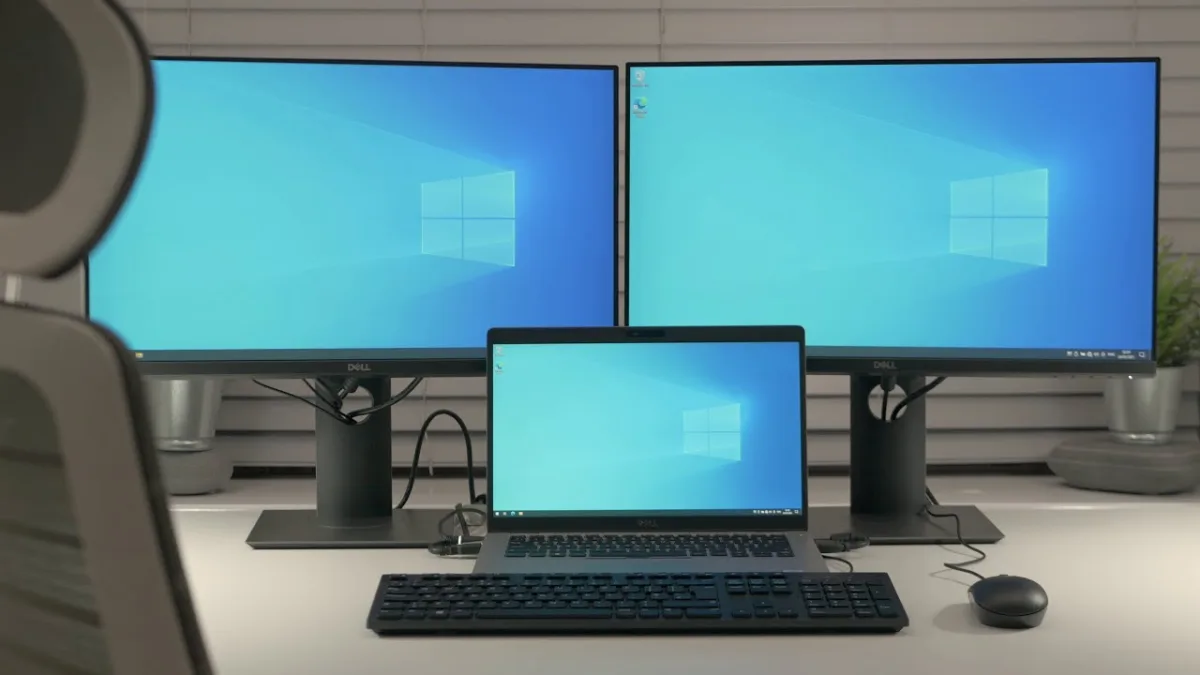 Laptop
Can I Connect 2 External Monitors to Dell Laptop (2026 Complete Guide)
Most modern Dell laptops support two external monitors via HDMI + USB-C/Thunderbolt, docking stations, or DisplayPort MST daisy-chaining. This 2026 guide covers port requirements, GPU limits, step-by-step setup, and model-specific compatibility for XPS, Latitude, Precision, Inspiron, and Alienware lines.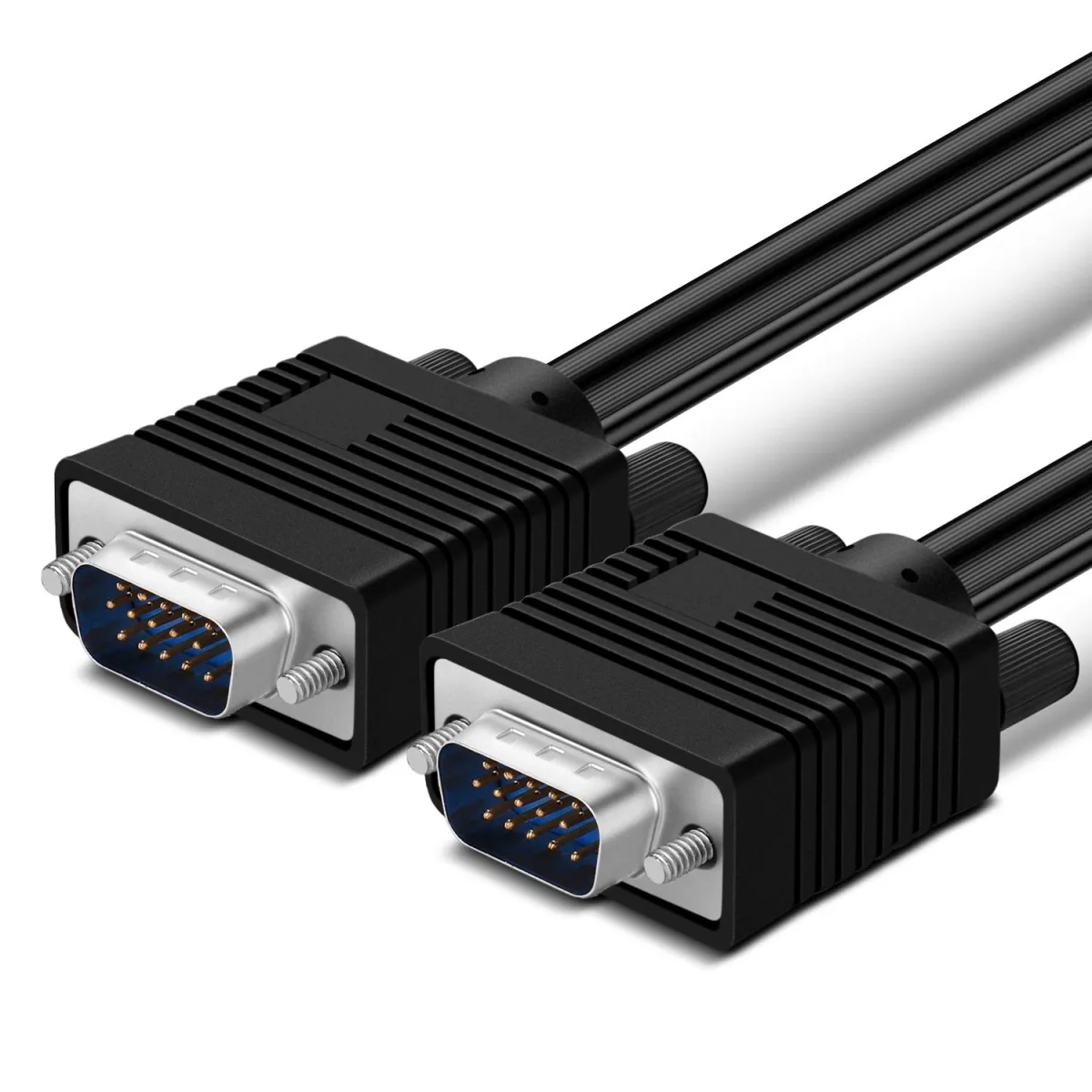 Desktop
What Is VGA Cable for Dell Monitor (2026 Complete Guide)
VGA cables ship with many Dell monitors for legacy compatibility, but they max out at 1080p 60Hz with no audio. Use digital connections (HDMI, DisplayPort, USB-C) for sharper image quality, higher refresh rates, and single-cable audio. This guide covers when VGA is acceptable, troubleshooting tips, and better alternatives.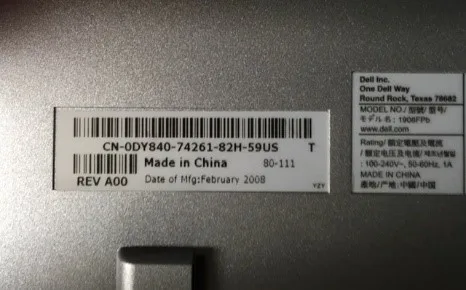 Desktop
Where to Find Dell Monitor Model Number (2026 Complete Guide)
This guide shows you exactly where to find your Dell monitor's model number—on the hardware, in the OSD menu, via Windows, or through Dell's support site. It also explains how to read the model number to understand your monitor's specs and avoids common identification errors. Desktop
White Light on Motherboard No Display (2026 Complete Guide)
A solid white light on your motherboard means POST has failed at graphics initialization. This 2026 guide covers brand-specific meanings (ASUS, MSI, Gigabyte, ASRock), step-by-step troubleshooting for GPU seating, power connections, BIOS reset, cable issues, and advanced diagnostics to restore display output. Desktop