
Home / how-to
how-to
290 guidesAll how-to guides
 Desktop
How to Put One Monitor to Sleep (2026 Complete Guide)
Windows doesn't offer a native way to sleep a single monitor, but you can use Display Settings tricks, free tools like Monitor Control or DisplayFusion, monitor OSD timers, GPU panels, or a smart power strip. This guide covers every method with step-by-step instructions for 2026.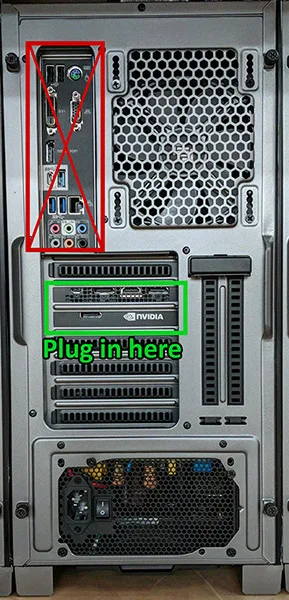 Desktop
Do You Plug Monitor into GPU or Motherboard? (2026 Complete Guide)
This complete 2026 guide explains exactly where to plug your monitor — GPU or motherboard — based on your hardware. Learn why dedicated GPUs should always be used when available, how to identify your ports, common mistakes to avoid, and troubleshooting steps for no-display issues.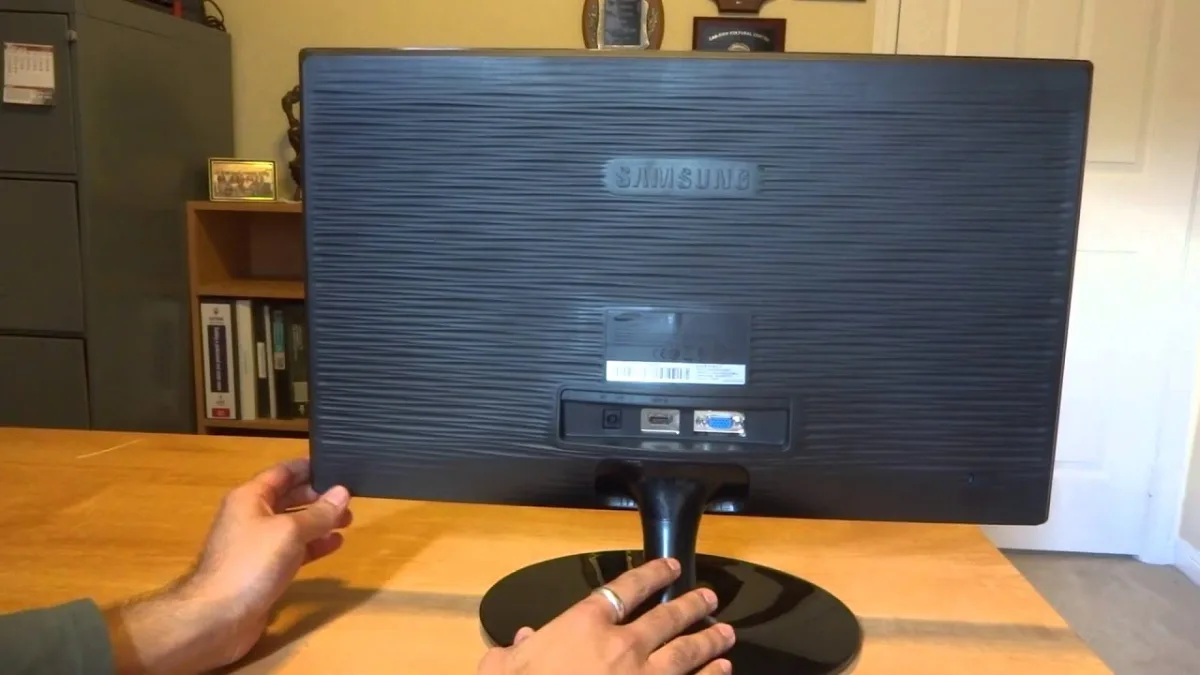 Desktop
How to Turn on Samsung Monitor Without Buttons (2026 Complete Guide)
This guide shows you how to turn on a Samsung monitor without using physical buttons. Methods include HDMI-CEC, DDC/CI software, Power Recovery, smart plugs, and button-board repair.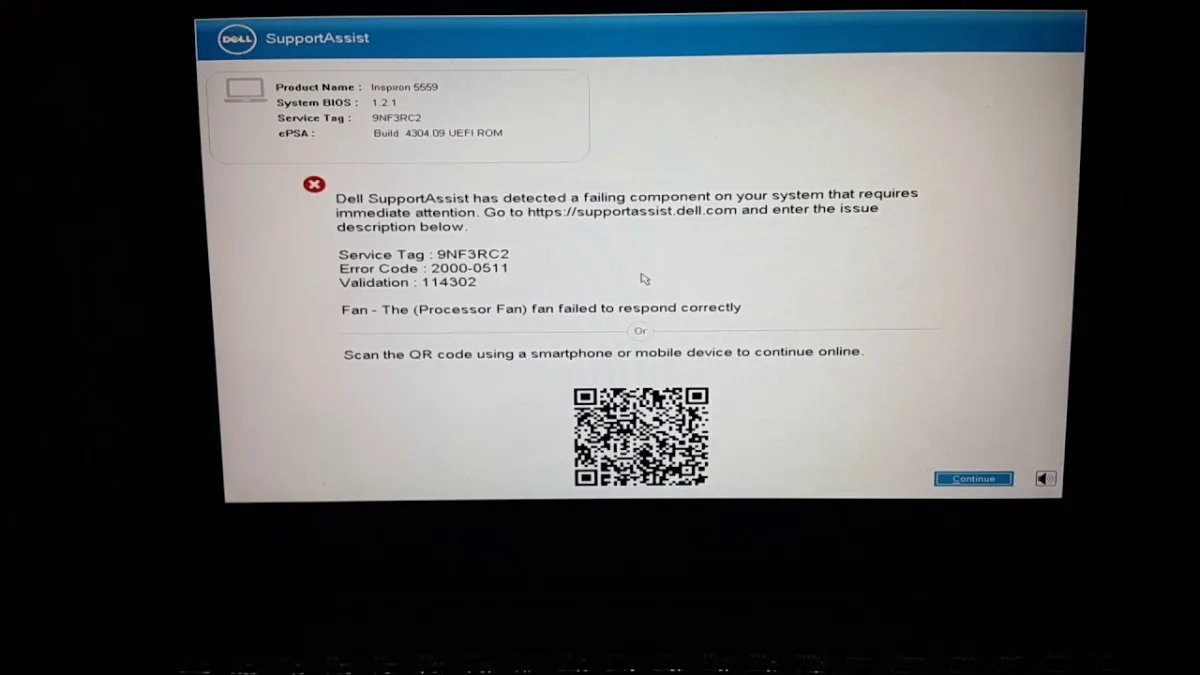 Desktop
How Do I Fix Dell SupportAssist Not Responding (2026 Complete Guide)
Dell SupportAssist often freezes or crashes due to corrupted cache, outdated versions, or software conflicts. This 2026 guide walks you through 11 proven fixes—from a simple restart to a full clean reinstall and pre‑boot recovery—so you can restore hardware scans, driver updates, and one‑click Dell support in under an hour.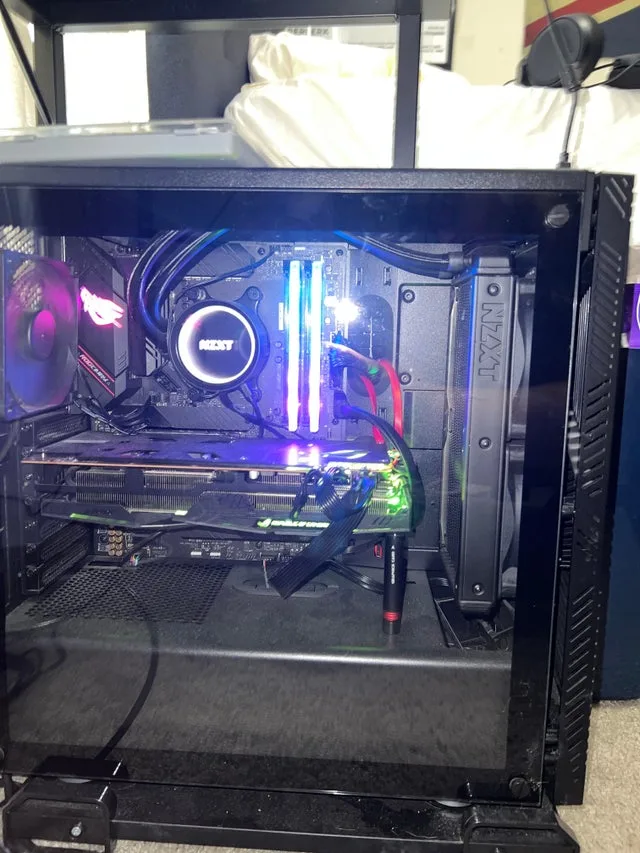 Desktop
How Much Does Water Cooling Cost (2026 Complete Guide)
Water cooling in 2026 costs $50-$300 for AIOs and $200-$1,500+ for custom loops. This guide breaks down every component, hidden expense, and maintenance cost so you can choose the right solution for your build and budget.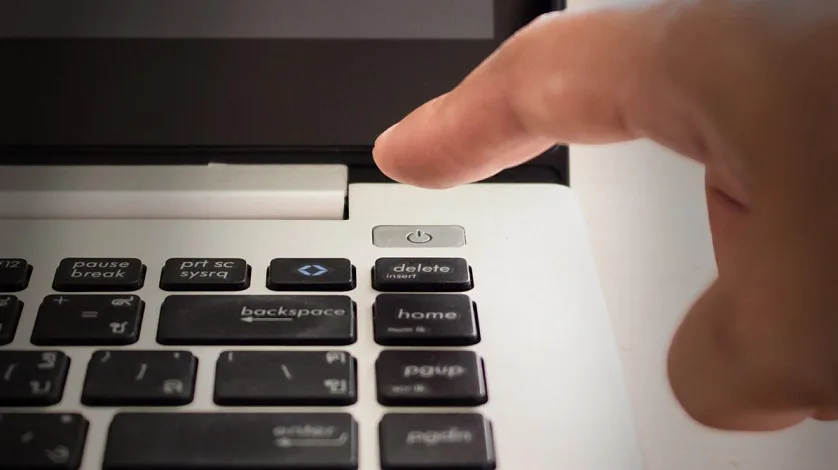 Laptop
How to Turn Off Dell Laptop Without Power Button (2026 Complete Guide)
This 2026 guide details eight proven ways to shut down a Dell laptop without a working power button, including keyboard shortcuts, command-line commands, BIOS settings, and hardware methods like battery drain and the emergency reset pinhole. It also covers frozen-system recovery and prevention tips.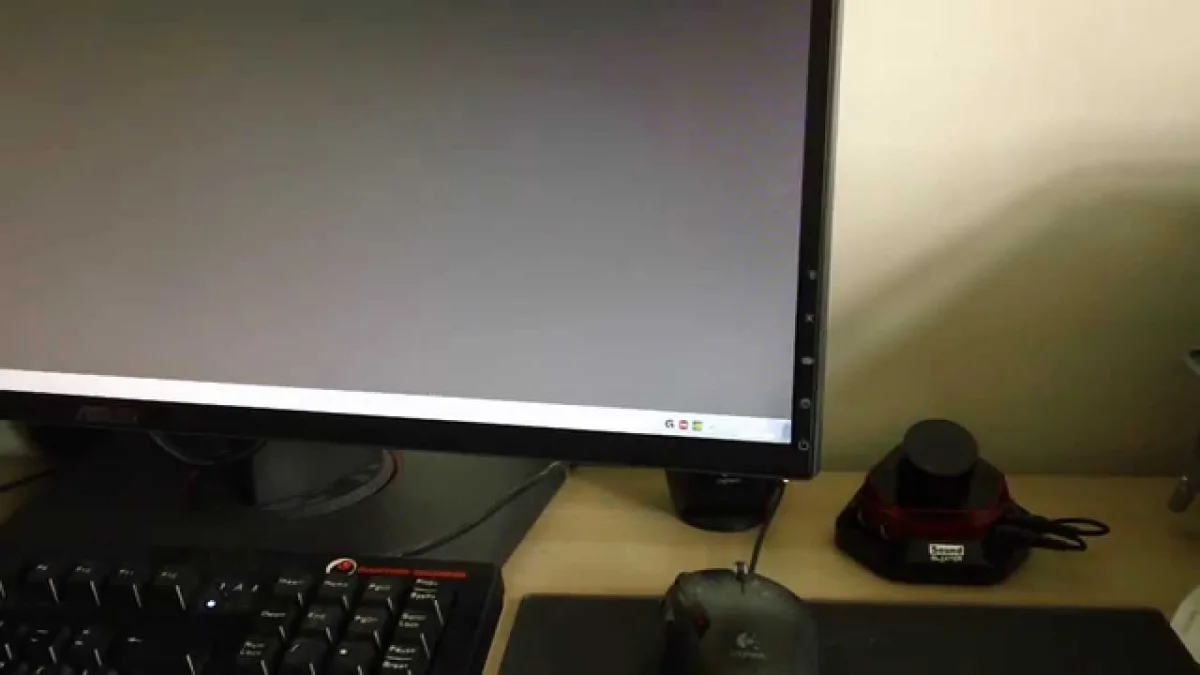 Desktop
How to Turn on ASUS Monitor (2026 Complete Guide)
This 2026 guide covers every way to power on an ASUS monitor—button, joystick, HDMI-CEC, DDC/CI, and smart-plug recovery—plus a full troubleshooting flowchart, LED cheat sheet, and pro tips to avoid common mistakes. DesktopHow Many Files Are on My Computer (2026 Complete Guide)
Discover how to count files on Windows 11 using built-in tools, PowerShell, and third-party apps like WizTree. Learn typical file counts for 2026, why file count matters for performance, and tips to manage storage effectively. Desktop
How to Check PSU Compatibility (2026 Complete Guide)
This 2026 guide walks you through a foolproof three-step process to verify PSU compatibility: calculate power draw with headroom, match every connector (including 12VHPWR/12V-2x6), and validate form factor plus electrical quality. Avoid common pitfalls like adapter reliance and cable mixing. Desktop