
Home / Laptop
Laptop
Laptop fixes and upgrades — RAM, Wi-Fi, backlit keyboards, battery life and the settings that actually help.
68 guidesAll Laptop guides
 Laptop
Can I Charge My Dell Laptop With USB-C (2026 Complete Guide)
Most modern Dell laptops support USB-C charging, but you need the right charger wattage and a PD-capable port. This 2026 guide covers compatible models, power requirements, cable selection, safety tips, and troubleshooting.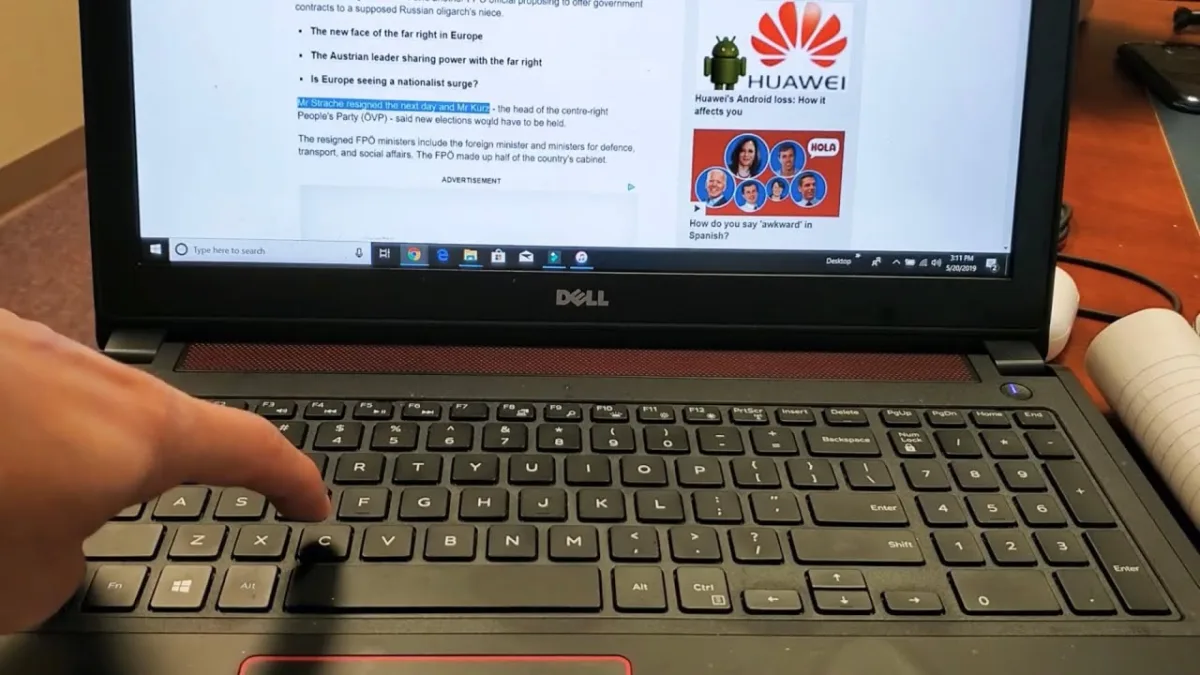 Laptop
How to Copy and Paste on a Dell (2026 Complete Guide)
Master every way to copy and paste on a Dell laptop in 2026: keyboard shortcuts, touchpad gestures, right-click menus, the Menu key, toolbar buttons, and Windows Clipboard History. Includes troubleshooting, pro tips, and common mistakes. LaptopHow Many Watts Is a Dell Laptop Charger (2026 Complete Guide)
Find your Dell laptop's exact charger wattage (45W to 330W), learn how to read the label, calculate volts × amps, and choose a safe replacement. Covers USB-C PD, barrel connectors, and 2026 models.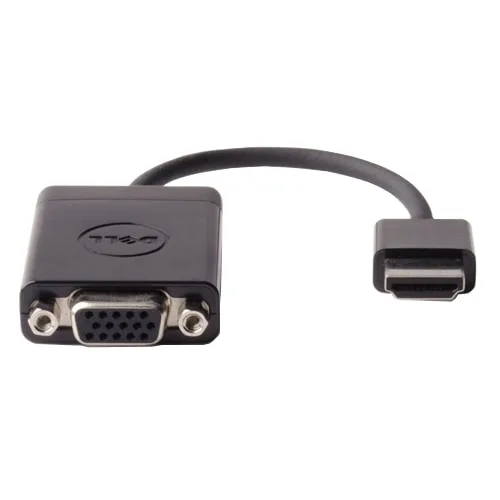 Laptop
How to Enable HDMI Port on Dell Laptop (2026 Complete Guide)
This guide walks you through enabling HDMI output on any Dell laptop, from checking cables and updating drivers to configuring BIOS and multi-monitor setups. Follow our 2026 steps for a working external display. Laptop
How to Find Manufacturing Date of Dell Laptop (2026 Complete Guide)
Find your Dell laptop's exact manufacturing date in minutes using the Service Tag lookup, BIOS, or physical labels. This 2026 guide covers every method with step-by-step instructions, date-code tables, and pro tips for cross-verification.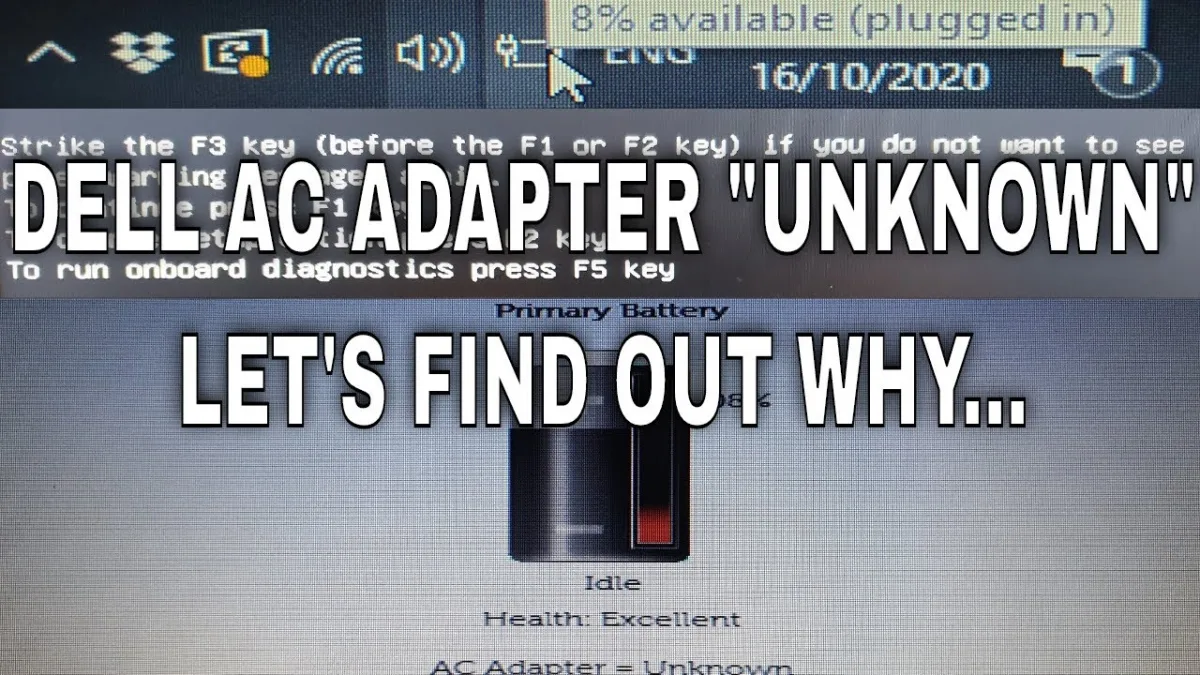 Laptop
How to Fix AC Adapter Unknown Dell (2026 Complete Guide)
Fix the "AC Adapter Unknown" error on Dell laptops with this 2026 step-by-step guide. Covers driver reinstalls, BIOS resets, power drains, cable inspections, diagnostics, and hardware replacements. Most fixes are free and take under an hour.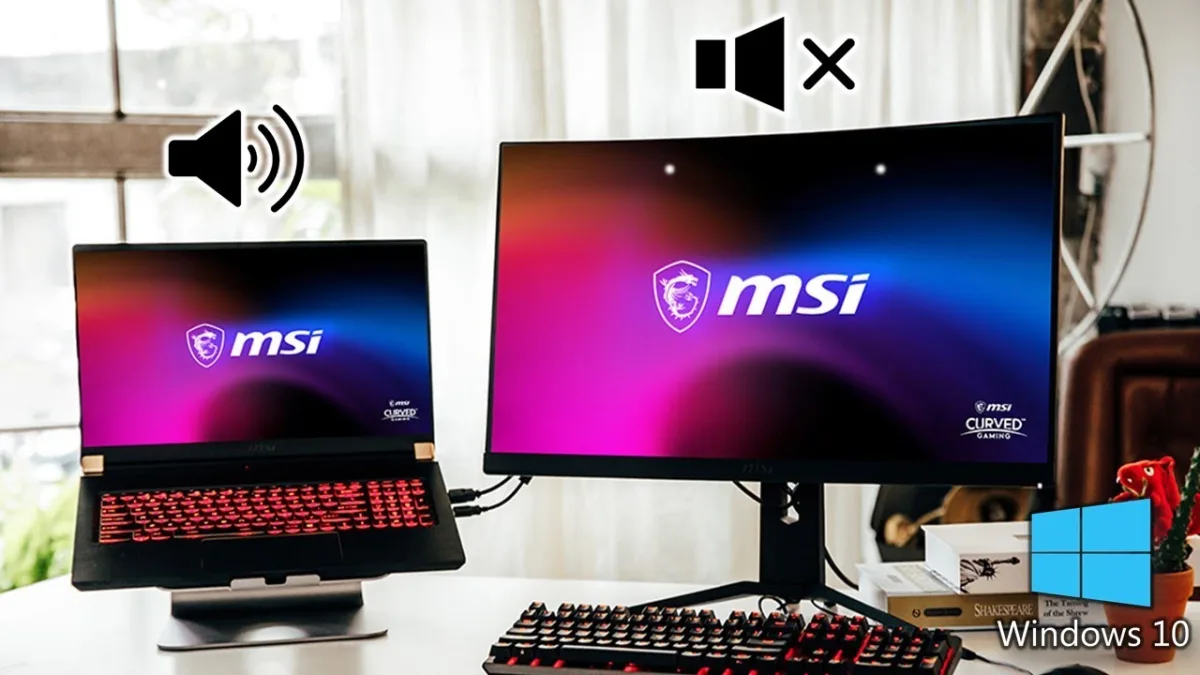 Laptop
How to Use Laptop Speakers Instead of Monitor (2026 Complete Guide)
Windows automatically switches audio to monitor speakers when you connect an external display. This guide shows how to quickly switch back to laptop speakers via the taskbar, make it permanent in Control Panel (mmsys.cpl), and set per-app routing for advanced control. All methods work on Windows 10/11 without extra software. LaptopHow to Right Click on Dell Laptop (2026 Complete Guide)
This 2026 guide covers all seven ways to right-click on a Dell laptop: touchpad gestures (two-finger tap, corner tap, physical button), keyboard shortcuts (Shift+F10, Applications key, Sticky Keys), external mice (USB/Bluetooth), and accessibility tools (On-Screen Keyboard, Mouse Keys). Includes troubleshooting, pro tips, and common mistake fixes.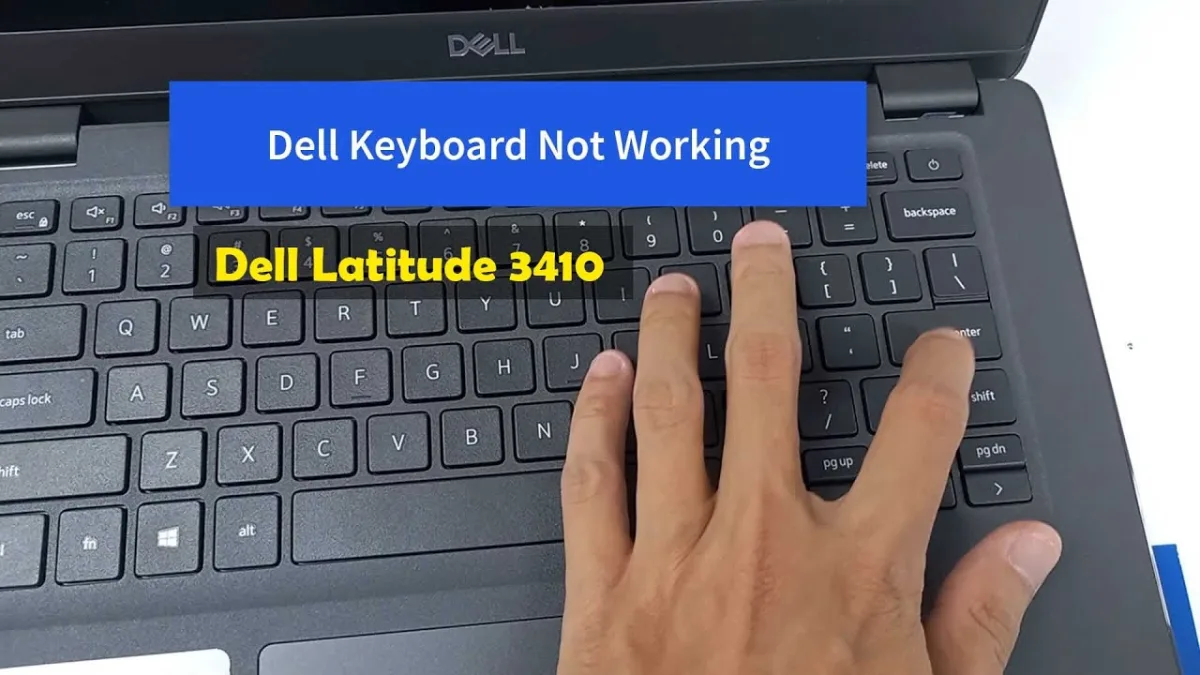 Laptop
How to Turn Scroll Lock Off on Dell Laptop (2026 Complete Guide)
Scroll Lock on Dell laptops is typically toggled via Fn+K, Fn+C, or Fn+S. This guide covers three reliable methods—function key combos, the Windows On-Screen Keyboard, and external keyboards—with model-specific tables, verification steps, and pro tips to prevent accidental activation. Laptop