
Home / troubleshooting
troubleshooting
12 guides Desktop
How to Fix a Loose Monitor Power Cable (Step-by-Step) – 2026 Guide
A loose monitor power cable causes flickering, sudden shutdowns, and fire risk. This 2026 step-by-step guide shows how to inspect, test with a known-good cable, verify the outlet, add strain relief, and handle IEC, barrel, and USB-C connectors—safely and permanently.
All troubleshooting guides
 Desktop
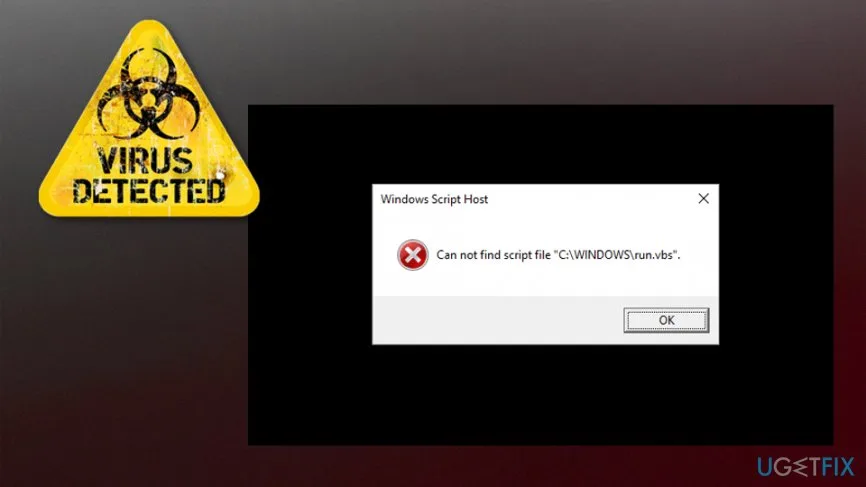
Can Not Find Script File StartupCheck.vbs? (2026 Fix)
Fix the StartupCheck.vbs error on Windows by removing the broken startup entry from the Startup folder, registry or Task Scheduler. Desktop
How to Fix Black Smear on Monitor (2026 Complete Guide)
Black smear on VA monitors is caused by slow dark-to-light pixel transitions. This 2026 guide shows how to minimize it by tuning overdrive to the middle setting, enabling ELMB/BFI if available, and adjusting gamma or black equalizer. Test each change with the UFO Test at testufo.com for objective results. Software & Security
Can a Trojan Work Without Internet? (2026 Guide)
Trojans can operate extensively without internet—logging keystrokes, capturing screens, encrypting files, and modifying systems. Internet is only needed for data exfiltration and remote commands. This 2026 guide explains offline vs. online capabilities, air-gap risks, and practical defense strategies.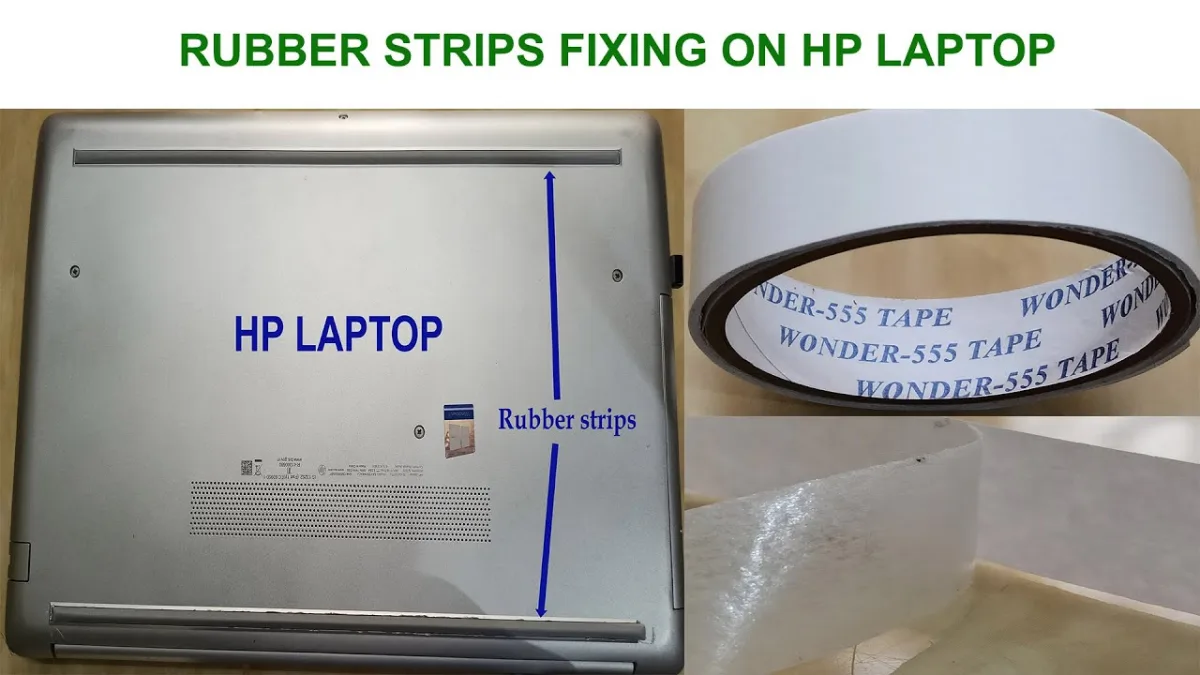 Laptop
How to Fix Rubber Strip on Bottom of Laptop (2026 Complete Guide)
Learn how to replace damaged or missing laptop rubber strips with model-specific or universal replacements. This 2026 guide covers removal, surface prep, installation methods, and prevention tips to restore cooling airflow and stability in 30-60 minutes. Desktop
How to Fix Very High Power Usage (2026 Complete Guide)
High power usage on Windows drives up electricity costs, creates fan noise, and shortens laptop battery life. This 2026 guide walks you through diagnosing resource-hungry processes, optimizing power plans, cleaning up startup programs, updating drivers, and scanning for malware to bring your system back to efficient operation.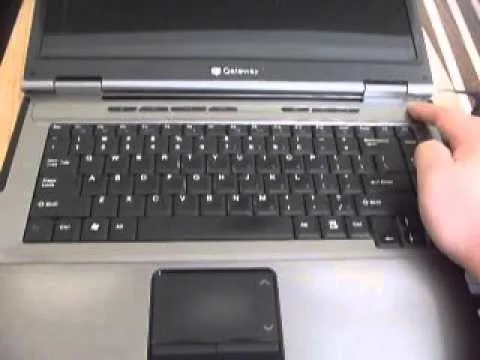 Laptop
How to Fix Gateway Laptop That Won't Turn On (2026 Complete Guide)
This comprehensive 2026 guide walks you through diagnosing and fixing a Gateway laptop that refuses to power on. From basic power checks and resets to advanced hardware diagnostics, you'll learn exactly what to test and when to seek professional repair.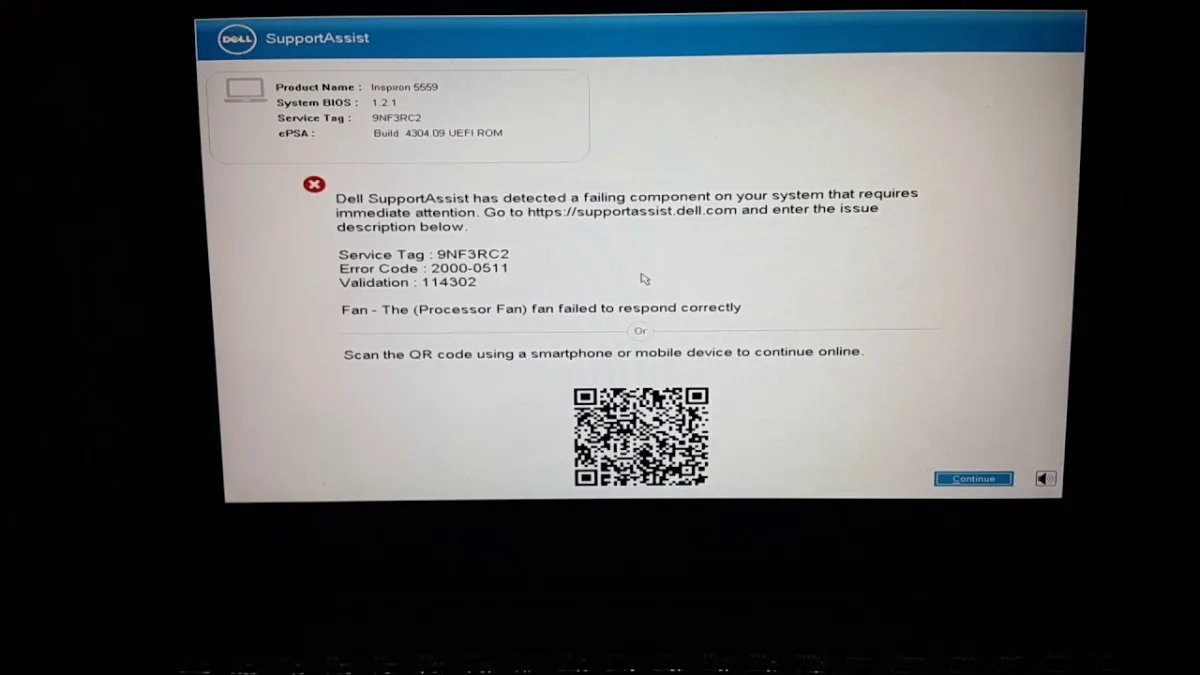 Desktop
How Do I Fix Dell SupportAssist Not Responding (2026 Complete Guide)
Dell SupportAssist often freezes or crashes due to corrupted cache, outdated versions, or software conflicts. This 2026 guide walks you through 11 proven fixes—from a simple restart to a full clean reinstall and pre‑boot recovery—so you can restore hardware scans, driver updates, and one‑click Dell support in under an hour. Networking
Can Ping but Not HTTP? (Network Troubleshooting Guide)
When ping works but websites won't load, the issue is usually a firewall, DNS, proxy, or TLS problem—not a broken connection. This 2026 guide walks you through every layer from ICMP to HTTPS with step‑by‑step tests, common pitfalls, and pro tips to restore browsing fast. Laptop