
Home / how-to
how-to
290 guidesAll how-to guides
 Desktop
White Light on Motherboard No Display (2026 Complete Guide)
A solid white light on your motherboard means POST has failed at graphics initialization. This 2026 guide covers brand-specific meanings (ASUS, MSI, Gigabyte, ASRock), step-by-step troubleshooting for GPU seating, power connections, BIOS reset, cable issues, and advanced diagnostics to restore display output.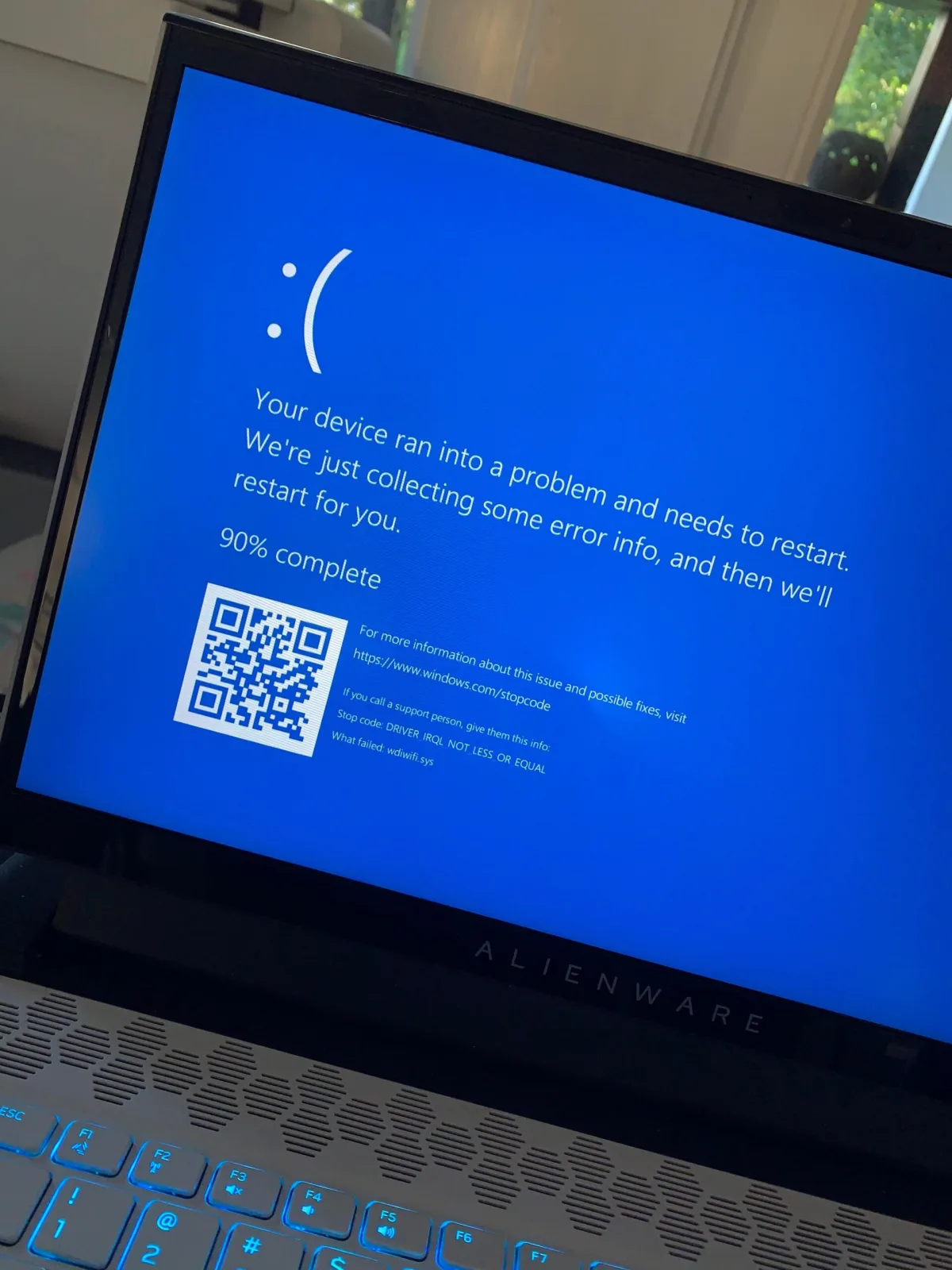 Desktop
Why Does My Alienware Keep Crashing (2026 Complete Guide)
Alienware crashes in 2026 are typically caused by overheating, driver conflicts, power delivery issues, or failing hardware. This guide walks you through identifying crash types, monitoring temperatures, updating drivers, running Dell diagnostics, and performing clean driver installs to restore stability. Desktop
Why Is My Power Supply Making Noise? (2026 Guide)
Not every PSU noise is dangerous. Identify coil whine, fan rattle, hum and clicking, then follow the safe fix or replacement path for each one. Desktop
Why Is My 144Hz Monitor Only Showing 60Hz? (2026 Guide)
Your 144Hz monitor is stuck at 60Hz because Windows, the cable, the port or the driver is limiting the signal. Work through the chain in order and fix it in 5-30 minutes. Keyboard
Why Is My Delete Button Not Working (2026 Complete Guide)
Delete key not working? This 2026 guide covers every cause—from software conflicts and driver issues to debris and registry remaps—and gives you a step-by-step troubleshooting workflow to get back to typing fast. Desktop
Why Is There a White Box on My Screen (2026 Complete Guide)
A white box on your screen is usually a software, driver, or cable issue — not a broken monitor. Use the screenshot test to diagnose instantly, then follow our step-by-step fixes for 2026.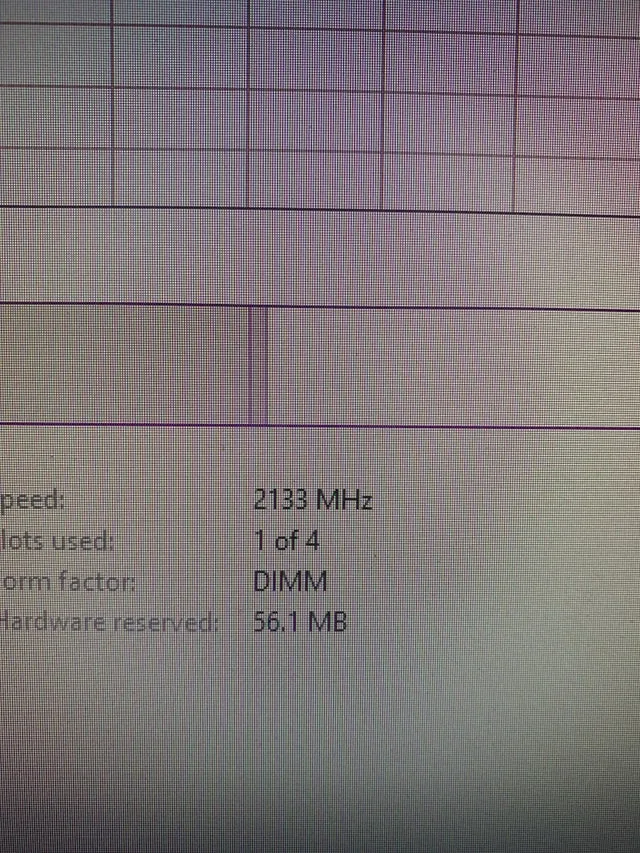 Desktop
Why Is My RAM Speed 2133? (2026 Complete Guide)
Your RAM shows 2133MHz because that's the JEDEC baseline speed. Enable XMP (Intel) or EXPO (AMD) in BIOS to run at the advertised speed. This guide explains why it happens, how to fix it, and what to do if XMP fails. Software & SecurityWhy Is My ZIP File the Same Size? (Compression Explained)
ZIP files often fail to shrink because the contents are already compressed (JPEG, MP4, PDF, etc.) or lack redundancy. This guide explains the mechanics, common mistakes, and better alternatives like 7z or media re-encoding to actually reduce file size in 2026. Desktop
Why Won't My CPU Fan Screw In (2026 Complete Guide)
This 2026 guide explains why CPU cooler screws won't thread and how to fix alignment, backplate, compatibility, and cross-threading issues. Covers air, AIO, and stock coolers with step-by-step instructions and common mistakes to avoid. Desktop