
Home / ram
ram
18 guidesAll ram guides
 Desktop
Can DDR3 Fit in DDR4? (2026 Complete Guide)
DDR3 and DDR4 RAM are not interchangeable—different notches, pin counts, voltages, and signaling prevent any cross‑generation use. This 2026 guide explains the physical and electrical reasons, how to identify each type, and tips for a successful upgrade. Desktop
Can You Mix RAM Speeds DDR4 (2026 Complete Guide)
Yes, you can mix DDR4 RAM speeds—all modules run at the slowest stick's speed. This 2026 guide covers performance impact, stability tips, XMP risks, Intel vs AMD differences, and when to buy a matched kit instead. Desktop
How to Set Your RAM to 3200MHz (2026 Complete Guide)
Your 3200MHz RAM defaults to 2133MHz until you enable XMP in BIOS. This 2026 guide shows exactly how to unlock rated speeds on any motherboard, with brand-specific steps, troubleshooting, and verification tips. Desktop
How to Check RAM Compatibility (2026 Complete Guide)
This 2026 guide walks you through verifying RAM compatibility with your motherboard step by step—covering DDR4 vs DDR5, QVL lists, speed sweet spots, physical clearance, and BIOS updates—so you buy the right kit the first time.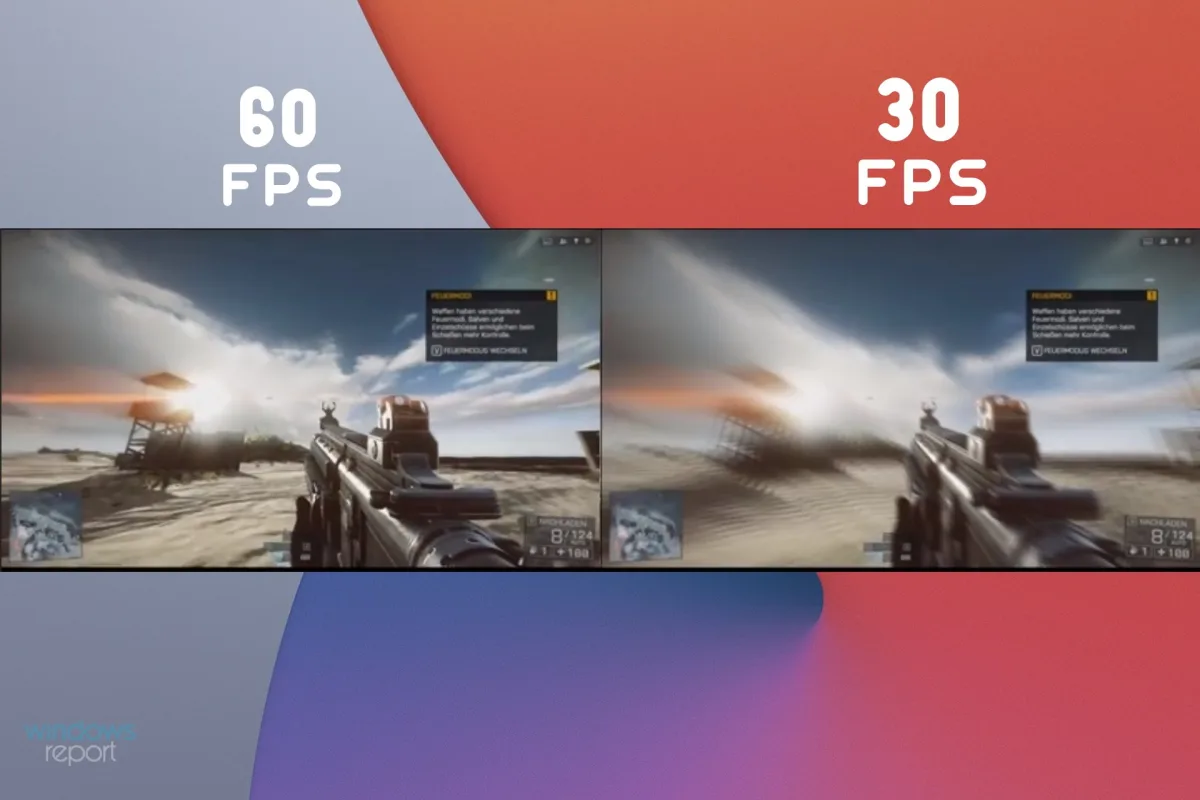 Desktop
Why Does My Frames Keep Dropping (2026 Complete Guide)
Frame drops ruin gaming and creative work. This 2026 guide explains every cause—from thermal throttling to background processes—and gives step-by-step fixes to restore smooth, consistent performance.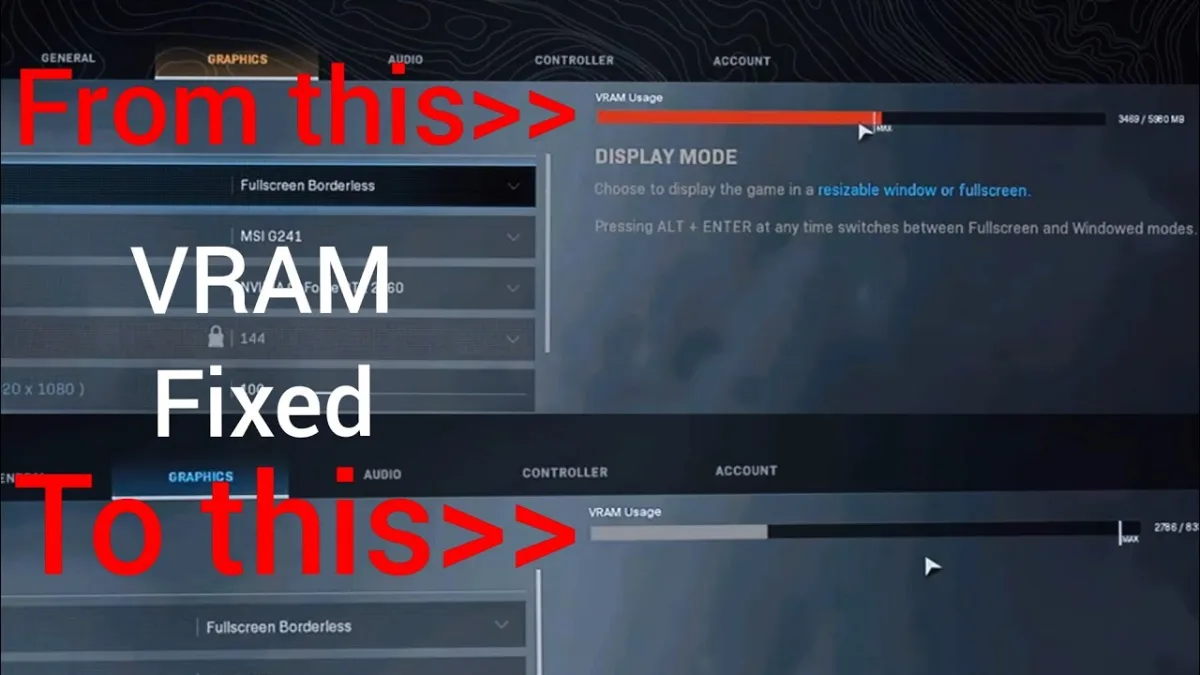 Desktop
Why Is My VRAM Usage So High (2026 Complete Guide)
High VRAM usage is normal in 2026 games, but hitting 100% causes stutter when data spills to system RAM. This guide explains why VRAM fills up, how to monitor it accurately, and which settings actually free memory without ruining visuals.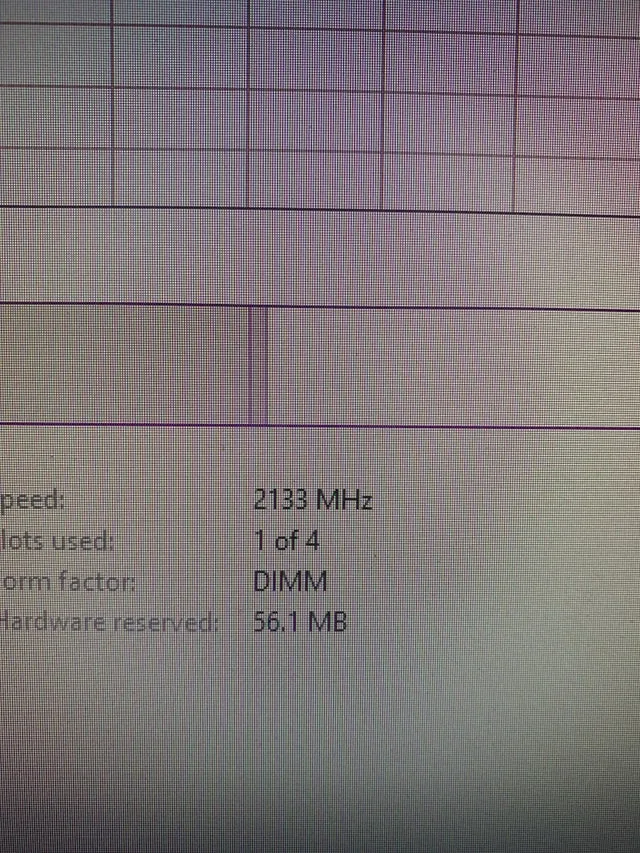 Desktop
Why Is My RAM Speed 2133? (2026 Complete Guide)
Your RAM shows 2133MHz because that's the JEDEC baseline speed. Enable XMP (Intel) or EXPO (AMD) in BIOS to run at the advertised speed. This guide explains why it happens, how to fix it, and what to do if XMP fails.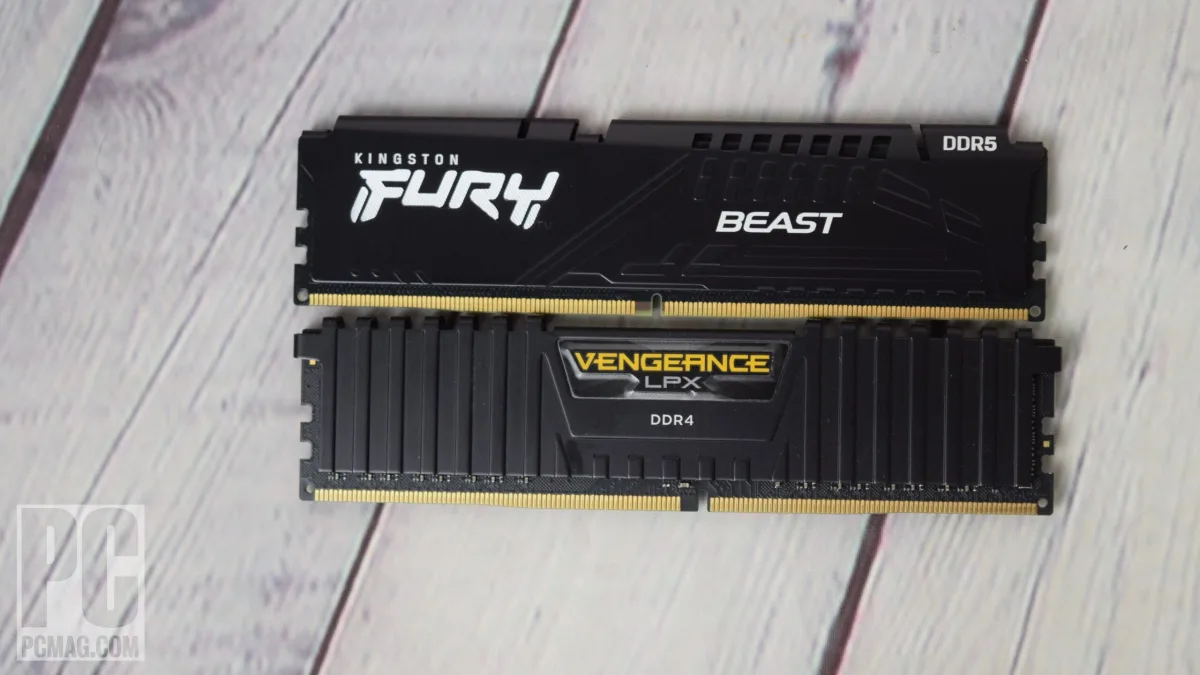 Desktop