
Home / monitor
monitor
36 guidesAll monitor guides
 Desktop
How to Check If Monitor is IPS (2026 Complete Guide)
This 2026 guide teaches you three reliable ways to check if your monitor uses an IPS panel: the visual angle test, model number lookup, and software EDID reading. Includes pro tips, common mistakes, and a comparison of IPS vs TN vs VA. Desktop
How Many Monitors Can Intel UHD 630 Support (2026 Complete Guide)
Intel UHD 630 supports up to three simultaneous displays. This 2026 guide covers real-world limits, resolution/refresh tables, connection types, Windows setup steps, troubleshooting, and tips for productive multi-monitor setups.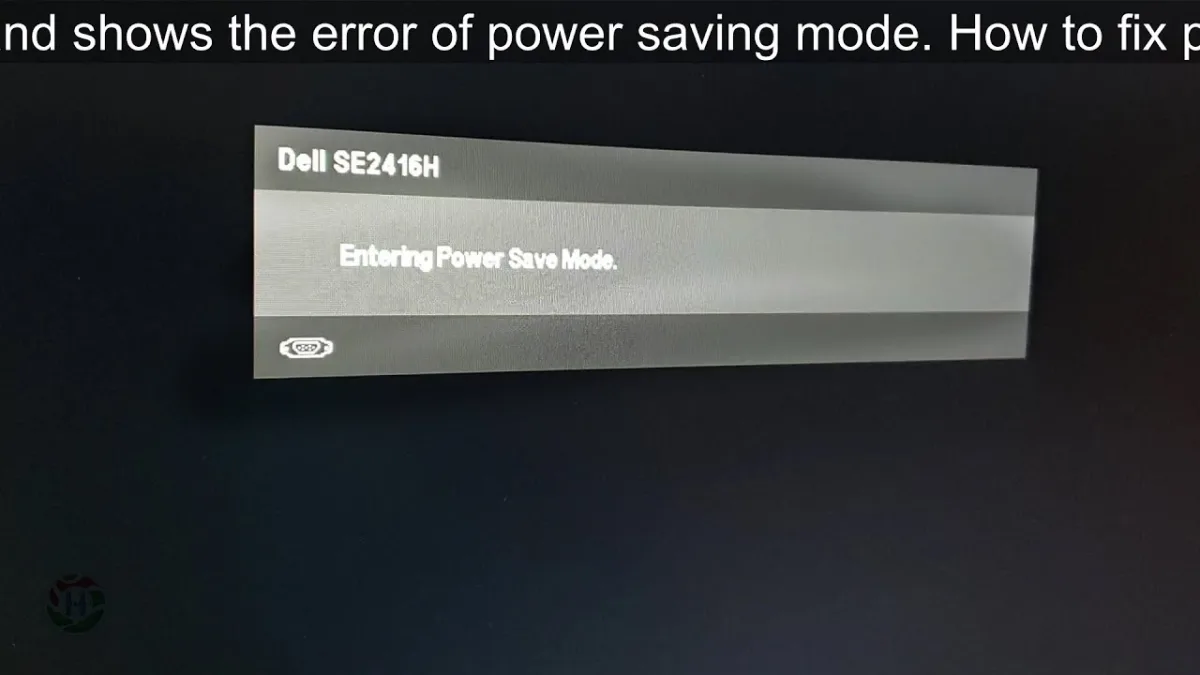 Desktop
How to Stop Dell Monitor from Entering Power Save Mode (2026 Complete Guide)
This 2026 guide walks you through disabling power save mode on any Dell monitor by adjusting OSD settings, Windows power plans, graphics driver options, and cable configurations. Follow three clear steps to keep your display on indefinitely for presentations, dashboards, or media playback.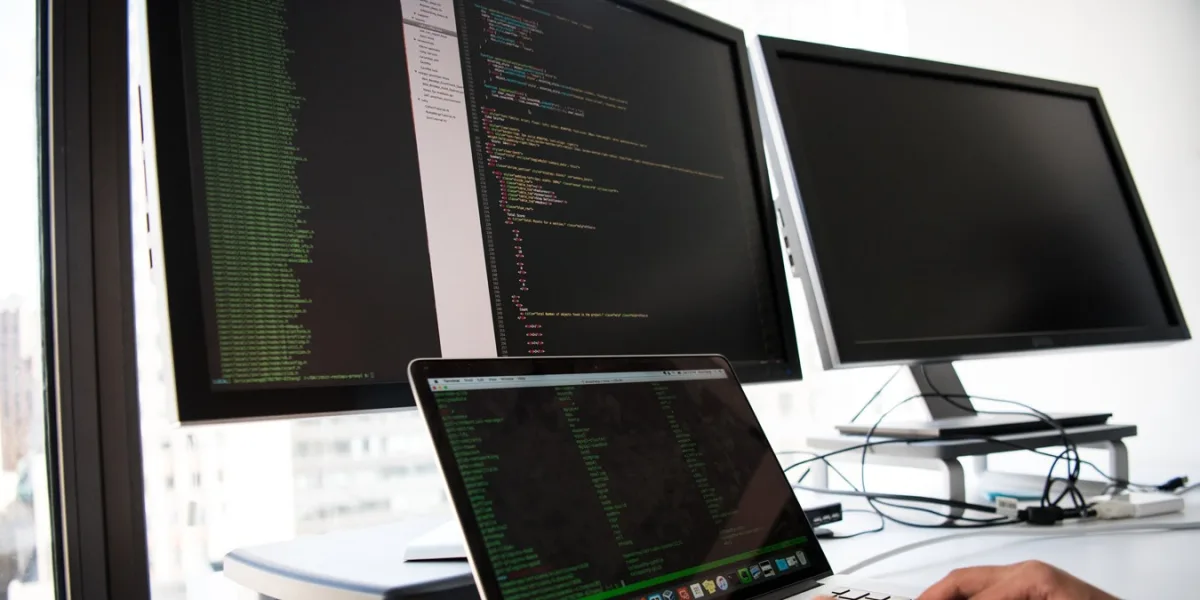 Desktop
How to Put One Monitor to Sleep (2026 Complete Guide)
Windows doesn't offer a native way to sleep a single monitor, but you can use Display Settings tricks, free tools like Monitor Control or DisplayFusion, monitor OSD timers, GPU panels, or a smart power strip. This guide covers every method with step-by-step instructions for 2026.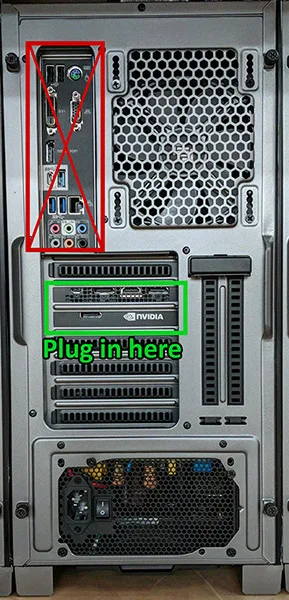 Desktop
Do You Plug Monitor into GPU or Motherboard? (2026 Complete Guide)
This complete 2026 guide explains exactly where to plug your monitor — GPU or motherboard — based on your hardware. Learn why dedicated GPUs should always be used when available, how to identify your ports, common mistakes to avoid, and troubleshooting steps for no-display issues.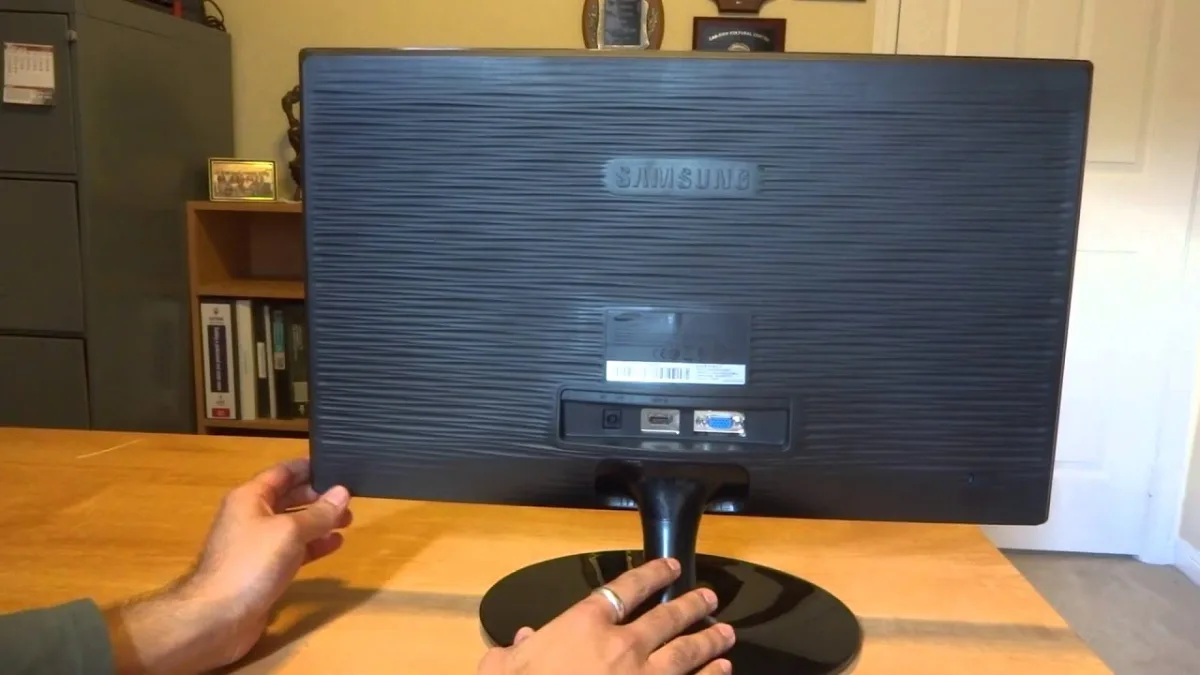 Desktop
How to Turn on Samsung Monitor Without Buttons (2026 Complete Guide)
This guide shows you how to turn on a Samsung monitor without using physical buttons. Methods include HDMI-CEC, DDC/CI software, Power Recovery, smart plugs, and button-board repair.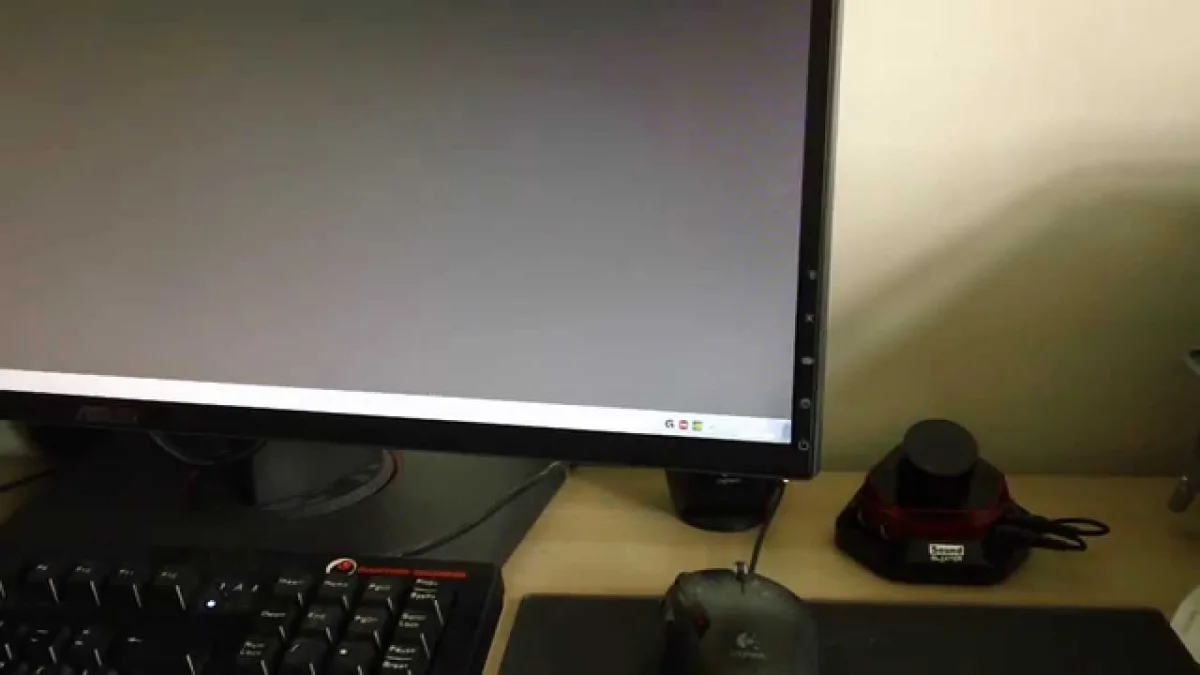 Desktop
How to Turn on ASUS Monitor (2026 Complete Guide)
This 2026 guide covers every way to power on an ASUS monitor—button, joystick, HDMI-CEC, DDC/CI, and smart-plug recovery—plus a full troubleshooting flowchart, LED cheat sheet, and pro tips to avoid common mistakes. Desktop
How to Clean Dell Monitor Screen (2026 Complete Guide)
Learn the safe, Dell-approved way to clean your monitor screen using only distilled water and a microfiber cloth. Step-by-step guide covers preparation, cleaning, frame care, and fixes for stubborn spots without damaging anti-glare coatings. Desktop
How to Adjust Dell Monitor Height (2026 Complete Guide)
This 2026 guide shows you how to adjust any Dell monitor's height—whether it has a built-in stand or needs a VESA arm, wall mount, or riser. Follow three clear steps to achieve ergonomic screen positioning and prevent neck strain. Desktop